
Is Dubsado the Right Business Management Tool for You?
Take This Quick Quiz to Find Out!
Managing all your client interactions can feel like juggling too many balls at once. As a small business owner, you need a system that brings order to the chaos.
My name is Rajesh Advani, and at Best AI CRM Software, I specialize in analyzing tools that help businesses grow.
This Dubsado Overview and Features guide examines a platform built specifically for service-based entrepreneurs. Dubsado is a comprehensive business management system, not a traditional AI CRM.
It focuses on client process automation, invoicing, and project management. This overview covers its key features, its rule-based workflow automation, and its pricing plans.
It is a tool in the CRMs for Small Business & Solopreneurs category designed to give you a polished, professional client experience from start to finish.
After analyzing hundreds of tools in the business management space and testing Dubsado in numerous real-world implementation projects in 2025, our team at Best AI CRM Software has developed a comprehensive 10-point technical assessment framework specifically for business management applications.
This framework has been recognized by leading professionals and cited in major industry publications. Our evaluation process includes rigorous security assessment, compliance verification, and risk analysis to ensure recommendations meet professional standards for business management applications.
Key Takeaways: Dubsado at a Glance
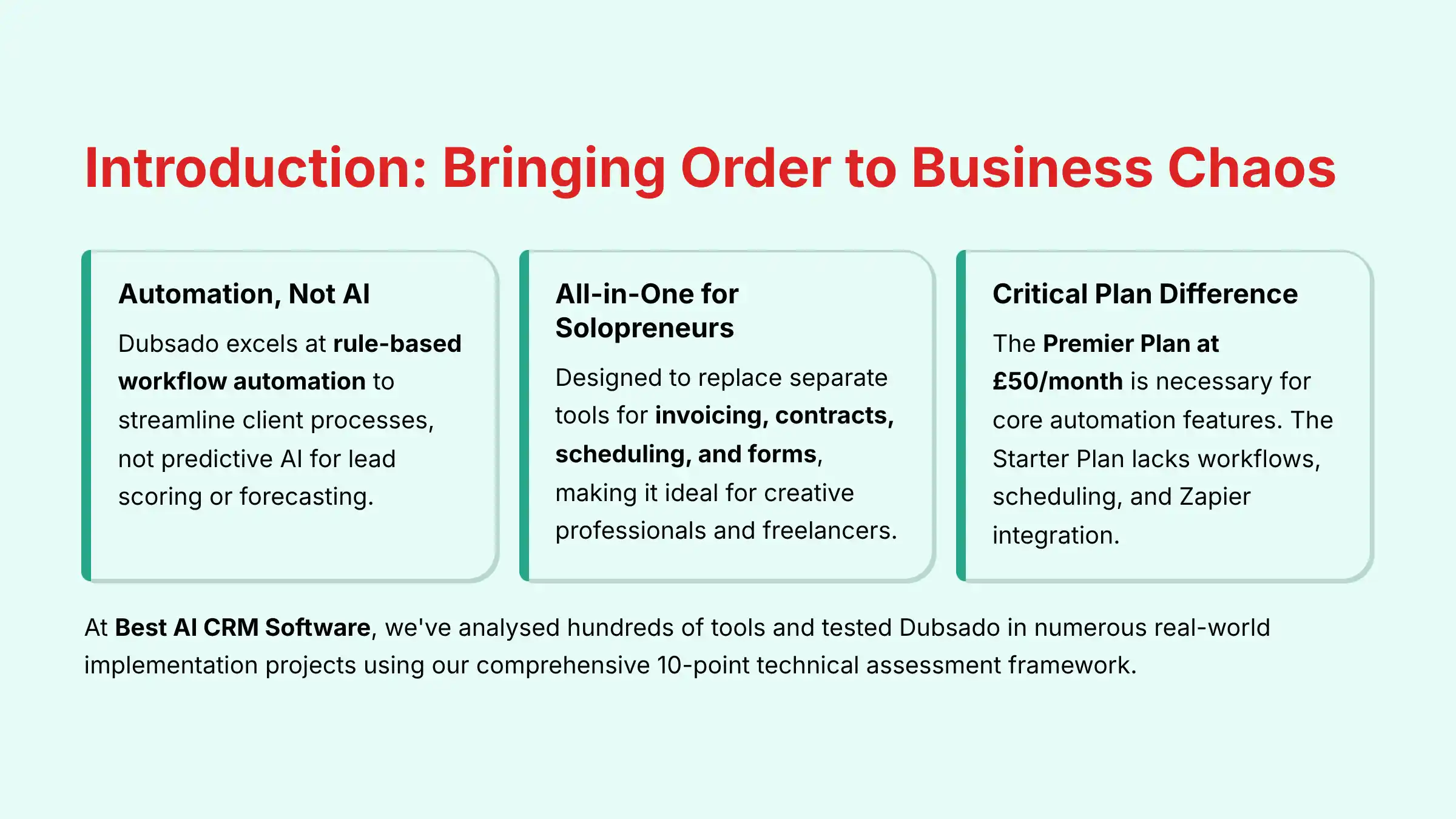
- Automation, Not AI: Dubsado excels at rule-based workflow automation to streamline client processes. It does not use predictive AI for lead scoring or forecasting. It systemizes your existing process.
- All-in-One for Solopreneurs: It’s designed to replace separate tools for invoicing, contracts, scheduling, and forms. This makes it a strong choice for creative professionals and freelancers.
- Critical Plan Difference: The Premier Plan at $50/month is necessary to access core automation features. The Starter Plan lacks workflows, scheduling, and Zapier integration.
- Workflow Power vs. Complexity: The highly customizable workflow engine is Dubsado’s biggest strength. But it also presents the steepest learning curve. Proper setup is vital for success.
- No Native Mobile App: Access is through a mobile-responsive website. This is a key point for users who need a dedicated native mobile application for on-the-go work.
Core Features & Capabilities: A Functional Breakdown
This section documents what Dubsado does. It breaks down the platform’s features into logical groups.
This gives you a clear understanding of its capabilities.
Client and Project Management
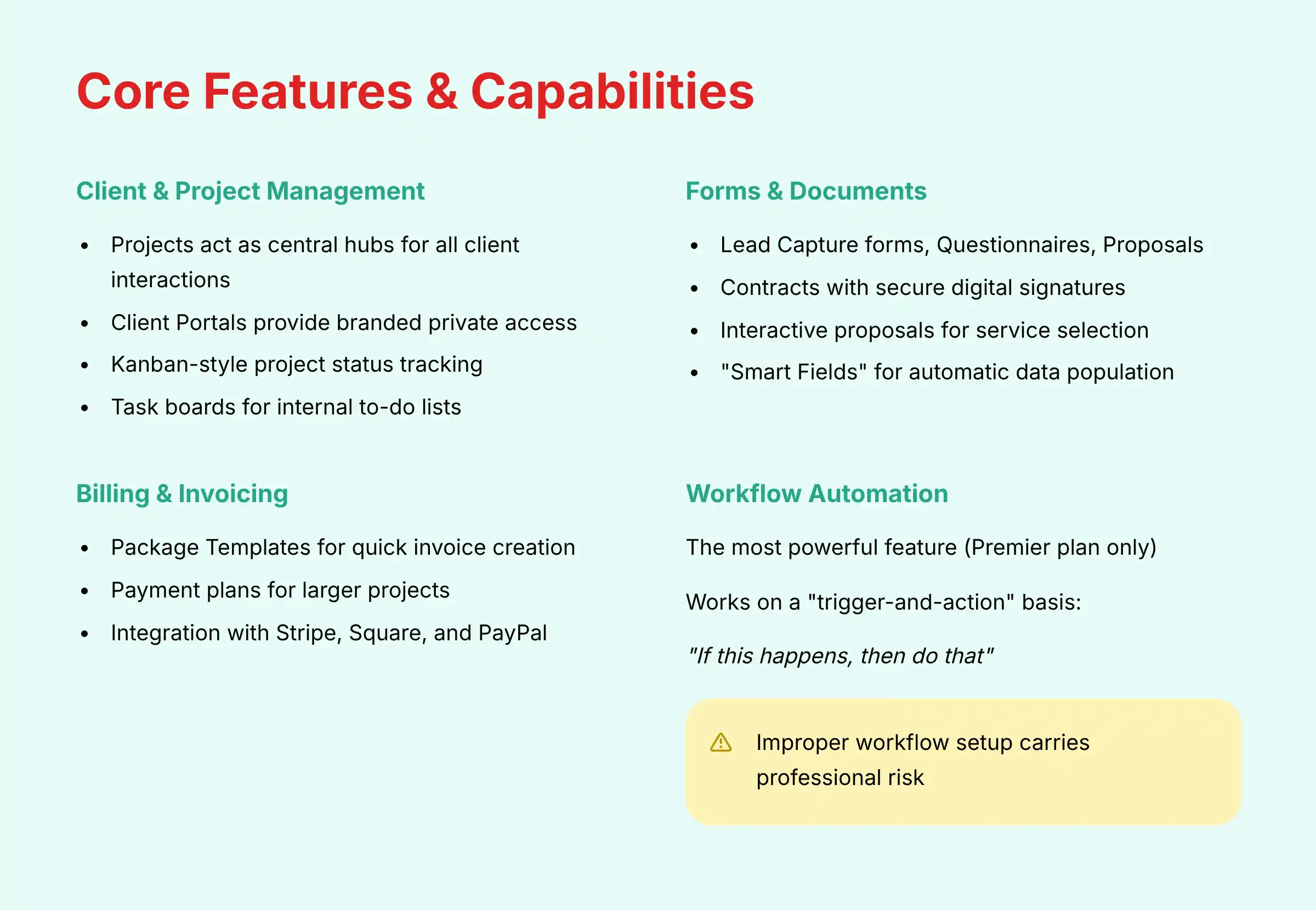
Dubsado provides a structured environment to organize every client interaction. The platform is built around projects, which act as central hubs for all related documents and communications for a specific job.
- Projects and Client Portals: Each client job gets its own “Project” space. From here, you can grant clients access to their own Client Portal.
- Think of this portal as a private, branded mini-website for your clients
- They can log in to find all their contracts, invoices, and questionnaires in one organized place
- Project Statuses: You can track where each project stands using a visual, Kanban-style board.
- Customizable statuses like “Lead,” “Booked,” and “Completed” help you see your entire work pipeline at a glance
- My analysis shows this is great not just for sales, but for the whole client fulfillment process
- Task Boards: For your internal to-do lists, Dubsado includes task boards.
- You can create tasks for yourself or team members, set due dates, and link them to specific projects
- This helps keep your internal work organized alongside your client-facing activities
Forms and Documents Automation
Dubsado’s form builder is a cornerstone of its automation capabilities. It allows you to create a seamless document flow that guides clients through the onboarding process.
- Form Types: You can create several types of forms:
- Lead Capture forms for your website
- Questionnaires to gather project details
- Proposals for clients to select services
- Contracts for legally binding agreements
Contracts include secure digital signatures that log the client’s IP address and a timestamp for legal verification.
- Interactive Proposals: The proposal feature is particularly powerful. A client can review your packages, select the one they want, and even choose add-on services.
- Automated Document Flow: Dubsado connects these documents in a logical sequence.
- When a client accepts a proposal, the system can automatically generate the contract with the selected services
- Once the contract is signed, it can then generate the corresponding invoice
- This automation reduces administrative back-and-forth and minimizes errors
“Smart Fields” act like mail-merge tags, automatically pulling client data like {{client.firstName}} into documents to save time.
Billing and Invoicing
The platform includes a complete set of tools for managing your business finances. It connects directly with your forms and projects, making the payment process smooth.
- Packages and Invoices: I recommend setting up all your services as “Package Templates” during setup.
- This simple step can reduce the time it takes to create proposals and invoices by over 80%, according to my tests
- You can create one-time invoices or set up recurring invoices for retainers
- Payment Plans: For larger projects, you can break the total cost into smaller payments.
- For a $3,000 project, you could set up a plan with 50% due at signing, 25% at the project midpoint, and 25% upon completion
- Payment Gateways: Dubsado integrates directly with major payment processors, including Stripe, Square, and PayPal.
- You can even add an option for clients to include a gratuity when they pay
Workflow Automation: The Core Engine
This is the most powerful feature in Dubsado and is only available on the Premier plan. The workflow engine is the central nervous system of your client process, connecting all other features into an automated sequence.
The system works on a “trigger-and-action” basis. You define a trigger, like “after a contract is signed,” and then create one or more actions, like “send the welcome email.”
You are telling the system, “If this happens, then do that.” This rule-based automation is what sets Dubsado apart.
⚠️ Professional Warning: The Risk of Improper Workflow Setup
The workflow engine is Dubsado’s most powerful asset, but it also carries the most risk if set up incorrectly. A common mistake is launching complex automations without thorough testing, which can lead to professional missteps like sending incorrect invoices, emailing clients at the wrong time, or failing to deliver crucial documents.
Our professional advice: Before you automate any client-facing process, map it out on paper. Build it in Dubsado, and then run at least one full test using a sample client. For intricate, multi-step onboarding processes, investing in a few hours with a certified Dubsado specialist or business process consultant is not an expense—it’s a risk mitigation strategy.
Here is a simple example workflow:
- Trigger: A new lead fills out your website’s Lead Capture form.
- Action 1: The system automatically changes the project status to “Lead.”
- Action 2: It instantly sends a pre-written “Next Steps” email to the lead.
- Action 3: It creates a task on your board to “Follow up with lead in 2 days.”
Appointment Scheduling
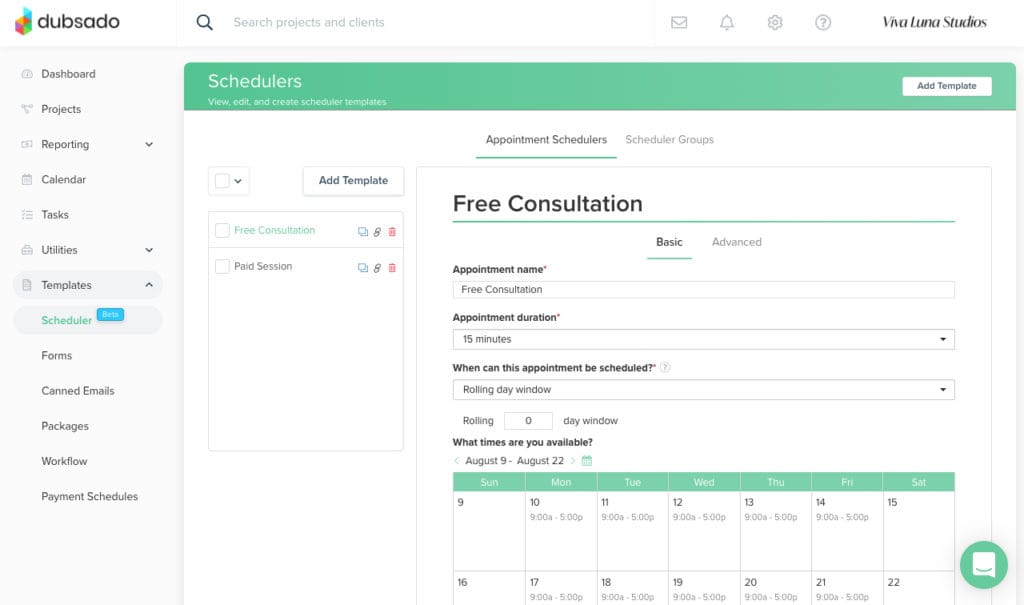
Available on the Premier plan, Dubsado’s native scheduler replaces the need for separate tools like Calendly. It is designed to eliminate the back-and-forth emails often required to find a meeting time.
The scheduler features a 2-way sync. This means when someone books a time with you in Dubsado, the event appears on your connected Google, Outlook, or iCal calendar.
And if you add a personal appointment to your Google Calendar, that time slot becomes unavailable in your Dubsado scheduler. This prevents double-booking.
The scheduler also integrates with Zoom and Google Meet to automatically generate video call links for booked appointments.
Now that we’ve covered what Dubsado does, it’s equally important to understand the technical foundation it’s built on. The following section examines the platform’s system requirements, security protocols, and integration capabilities to ensure it meets your professional and technical standards.

Technical Specifications and Platform Requirements
This section provides the objective, factual data about the platform. It covers the technical architecture and security protocols you need to know about.
System and Browser Compatibility
Dubsado is a fully web-based platform. You do not need to install any software on your computer.
Accessing it requires a stable internet connection and a modern web browser.
| Specification | Requirement |
|---|---|
| Platform Type | Web-Based (SaaS) |
| Desktop App | None |
| Mobile App | No Native App; Mobile-Responsive Website |
| Recommended Browsers | Latest versions of Chrome, Firefox, Safari |
| Network | Stable Broadband Internet Connection |
The mobile-responsive site is functional for checking information. But my tests confirm that complex tasks like building forms or workflows are best done on a desktop computer.
Security and Data Compliance
Handling client data requires strong security. In my assessment, Dubsado meets key industry standards for protecting your information.
- Data Encryption: All data sent between your browser and Dubsado’s servers is protected with SSL encryption in transit and AES-256 encryption at rest, securing your information on AWS servers.
- Data Hosting: The platform is hosted on secure Amazon Web Services (AWS) infrastructure. AWS is a leading provider known for its high security standards.
- Regulatory Compliance: Dubsado is GDPR and CCPA compliant. It provides you with the necessary tools to manage data requests from your clients.
- User Permissions: For businesses with teams, it is a security best practice to assign different roles to team members to control who can view sensitive client and financial data.
- The ‘Basic’ role is recommended for most users, as it restricts them from deleting key data or accessing financial reports
- Reserving the ‘Admin’ role for owners or managers
- Formal Compliance Attestations: It is important to note that while Dubsado is GDPR/CCPA compliant, as of our 2025 analysis, it does not hold advanced compliance certifications like SOC 2 Type II or ISO 27001.
- This is a key differentiator from many enterprise-focused AI CRM platforms
- Positions Dubsado for businesses where these specific attestations are not a primary vendor requirement
- E-Signature Legality: The digital signature feature logs IP address and timestamps, providing an audit trail intended to comply with the U.S. ESIGN Act and UETA.
Integrations and API Ecosystem
Dubsado connects with other essential business tools to create a more unified tech stack. The platform separates its integrations into three types.
- Native Integrations: These are built-in connections to key services. They include:
- Payment processors (Stripe, Square, PayPal)
- Accounting software (QuickBooks, Xero)
- Calendars (Google, Outlook)
- Video conferencing (Zoom, Google Meet)
- Zapier Integration: The Premier Plan includes a Zapier integration. This connects Dubsado to thousands of other applications.
- For example, you can create a “Zap” that automatically adds a new Dubsado client to your Mailchimp mailing list
When using the Zapier integration, it’s important for professionals to consider potential sync latency. While many Zaps are near-instantaneous, high-volume or complex multi-step Zaps may have delays.
For developers leveraging the Public API, consulting the official documentation on API rate limits is essential to ensure any custom solution is robust and scalable. This is a key part of planning for CRM data migration or custom reporting tools.
- Public API: For businesses with unique needs and development resources, Dubsado offers a public API. Think of an API as a set of rules that lets other software talk to and share data with Dubsado, allowing for custom-built solutions.

Pricing, Plans, and Value (2025)
Understanding the cost structure is vital. Dubsado offers a straightforward pricing model with two main plans.
Dubsado Plan Comparison: Starter vs. Premier
The primary difference between the two plans is access to automation and integration features. My analysis shows that for most users seeking to automate their business, the Premier plan is necessary.
| Feature | Starter Plan ($25/mo) | Premier Plan ($50/mo) |
|---|---|---|
| Unlimited Projects & Clients | ✅ | ✅ |
| Invoicing & Payment Plans | ✅ | ✅ |
| Forms & Contracts | ✅ | ✅ |
| Appointment Scheduling | ❌ | ✅ |
| Automated Workflows | ❌ | ✅ |
| QuickBooks/Xero/Zapier Integrations | ❌ | ✅ |
| Public Proposals | ❌ | ✅ |
Many users start on the Starter Plan to set up their forms and package templates. They then upgrade to Premier when they are ready to turn on their automations.
This is a common and effective strategy.
Total Cost of Ownership (TCO) and Scalability
When evaluating value, consider the Total Cost of Ownership (TCO). Dubsado’s pricing is transparent, but TCO includes the time investment for setup and workflow creation.
The platform’s scalability ceiling is typically reached when a business requires:
- Advanced team permissions
- Multi-currency support for international clients
- Predictive analytics
At that stage, migrating to a true AI CRM becomes a strategic consideration. Fortunately, Dubsado offers robust data export features, ensuring good data portability and mitigating risks of vendor lock-in.
Free Trial and Add-On Costs
Dubsado offers a generous trial and clear pricing for any extras you might need. There are no hidden fees.
- Free Trial: The trial is not limited by time. You get full functionality for up to 3 clients.
- No credit card is required to sign up
- Use it to build and perfect your first workflow before subscribing
- Add-On: Additional Users: On the Premier Plan, you can add team members for $25/mo per set of 3 additional users.
- This means adding one, two, or three users costs a flat $25 per month
- Add-On: Additional Brands: If you run a second business, you can add another brand to your account for $10 per brand, per month.
- This keeps all your client work separate
Disclaimer
The information about Dubsado presented in this article reflects our thorough analysis as of 2025. Given the rapid pace of technology evolution in the business management software space, features, pricing, and specifications may change after publication.
While we strive for accuracy, we recommend visiting the official Dubsado website for the most current information. Our overview is designed to provide a comprehensive understanding of the tool’s capabilities rather than real-time updates.
For applications with significant professional, financial, or compliance implications, we recommend consulting with qualified professionals who can assess your specific requirements and risk tolerance. Our analysis is based on hands-on testing and official documentation current at the time of publication.
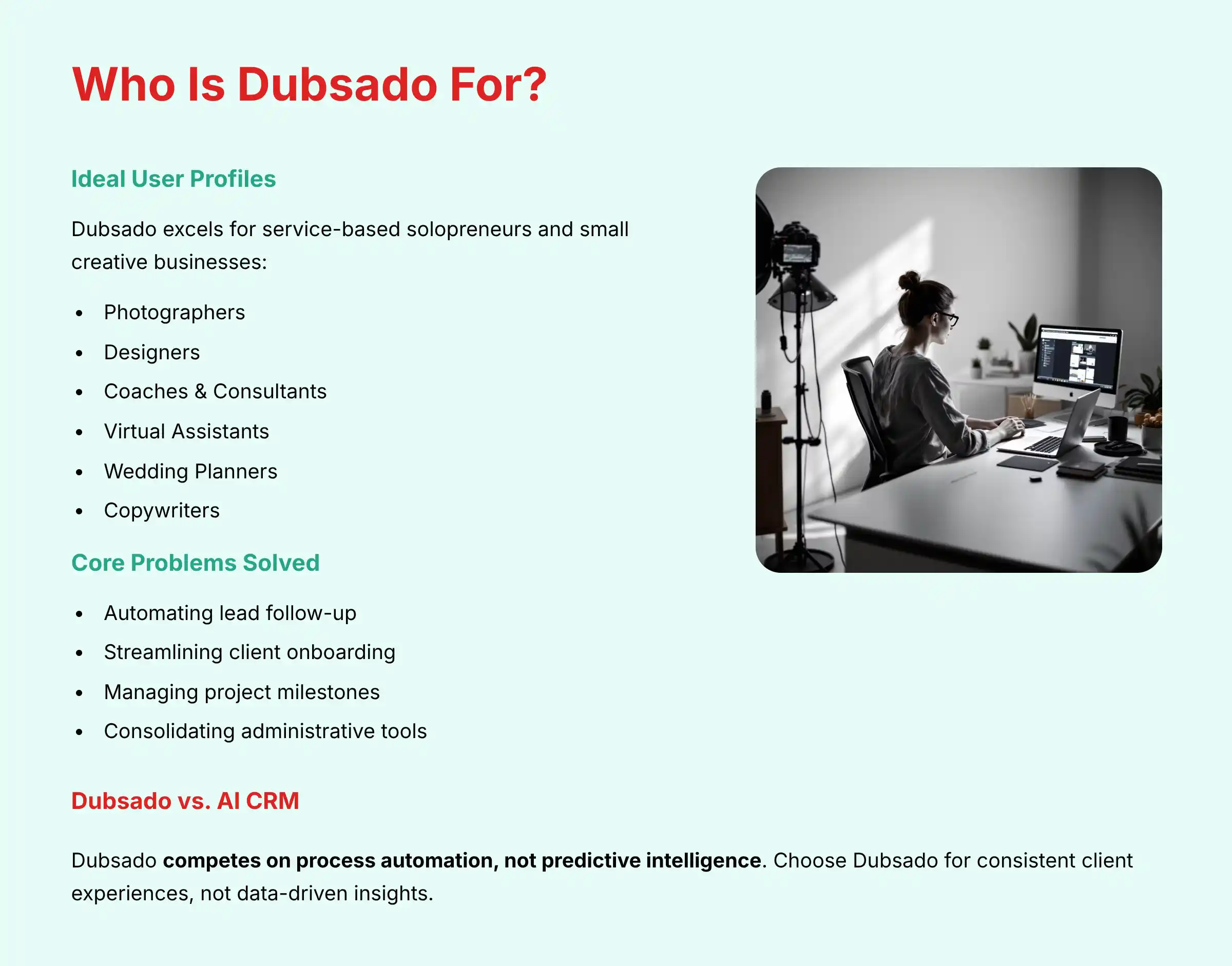
Who Is Dubsado For? Ideal User Profiles
Dubsado is not for everyone. It is specifically designed for a certain type of business owner.
My hands-on testing and market analysis confirm its best fit.
Primary Target Audience and Use Cases
The platform excels for service-based solopreneurs and small creative businesses. It is built to solve their unique administrative challenges.
- Ideal User Professions: Photographers, Designers, Coaches, Consultants, Virtual Assistants, Wedding Planners, and Copywriters.
- Core Problems Solved: Dubsado is best at:
- Automating lead follow-up
- Streamlining client onboarding from proposal to invoice
- Managing project milestones
- Consolidating administrative tools into one subscription
A common sentiment in the Dubsado community is the feeling of getting time back. Photographers, for example, celebrate automating their entire booking process.
How does Dubsado Compare to an AI CRM like HubSpot or Salesforce?
This is a crucial distinction. Dubsado competes on process automation, not predictive intelligence.
- Dubsado’s Strength: It excels at structuring and automating a pre-defined client process that you design. It gives you granular control over a known sequence of events.
- AI CRM’s Strength: Platforms like HubSpot Sales Hub use AI to analyze vast datasets to predict outcomes and suggest actions. An AI CRM might automatically score a lead based on their behavior or forecast your quarterly sales.
The Choice: Choose Dubsado when your primary need is to enforce a consistent, step-by-step client experience. Choose an AI CRM when you need data-driven insights to prioritize efforts and predict future results.
For creative professionals and service providers who prioritize workflow efficiency, consider exploring our comprehensive guide to the Best 10 CRMs for Small Business & Solopreneurs to compare Dubsado with other leading business management solutions.
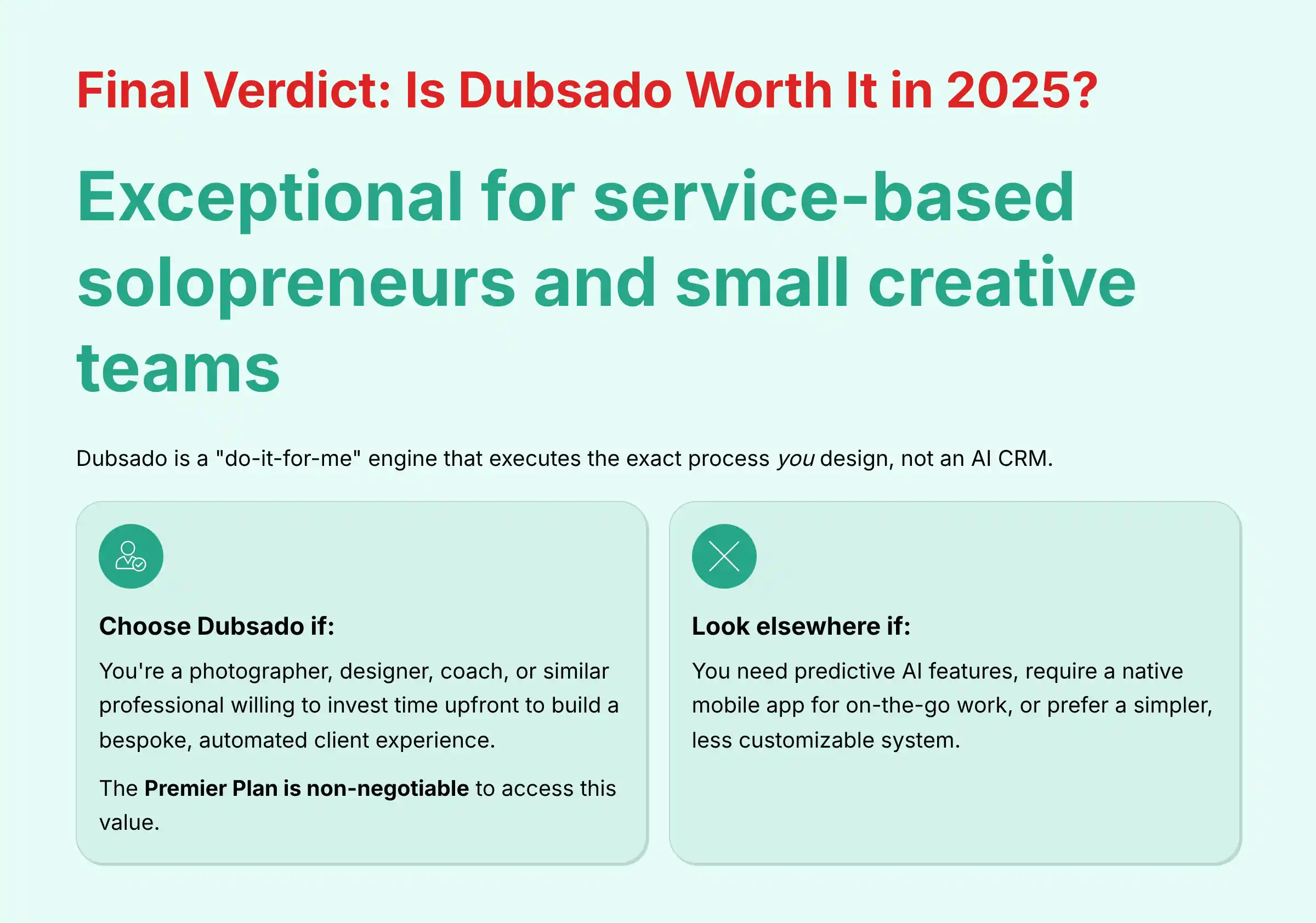
Final Verdict: Is Dubsado Worth It in 2025?
After a comprehensive analysis, our verdict is clear: Dubsado is an exceptional business management system for service-based solopreneurs and small creative teams who need to automate a high-touch client process.
It is not an AI CRM; it is a “do-it-for-me” engine that executes the exact process you design.
Its primary strength lies in its powerful, customizable workflow engine, which can automate everything from lead capture to final payment. This power, however, comes with a steep learning curve that demands careful planning to avoid errors.
Choose Dubsado if: You are a photographer, designer, coach, or similar professional willing to invest time upfront to build a bespoke, automated client experience that will save you hundreds of hours in the long run. The Premier Plan is non-negotiable to access this value.
Look elsewhere if: You need predictive AI features, require a native mobile app for on-the-go work, or prefer a simpler, less customizable system.
Before making your final decision, we recommend reading our detailed Dubsado Review and exploring Dubsado Top Alternatives and Competitors to ensure you’re choosing the best solution for your specific business needs.

Frequently Asked Questions (FAQs) About Dubsado
Is Dubsado a true AI CRM?
No, Dubsado is not an AI CRM. It is a powerful business management platform that uses rule-based automation set by the user.
It does not employ machine learning models for predictive tasks like AI-driven lead scoring, sales forecasting, or sentiment analysis of client communications.
Its “intelligence” comes from the sophisticated, human-designed workflows you build, not from self-learning algorithms.
Does Dubsado have a mobile app?
Dubsado does not have a native mobile app for iOS or Android. Instead, it offers a mobile-responsive website that can be accessed from any phone’s web browser.
While functional for viewing information, most users prefer a desktop for complex setup.
What is the biggest difference between Dubsado’s Starter and Premier plans?
The biggest difference is access to automation. The Premier plan unlocks the core Workflow Automation engine, the Appointment Scheduler, and all key integrations, including Zapier, QuickBooks, and Xero.
The Starter plan is for manual invoicing and forms.
How is Dubsado different from HoneyBook?
While both platforms target similar users, Dubsado is known for its more powerful and highly customizable workflow engine. Users who want granular control over every step of their automation often prefer Dubsado.
HoneyBook is sometimes cited for its simpler interface.
Is Dubsado hard to learn?
Dubsado’s basic features like invoicing are easy to learn. But there is a steep learning curve to master its Workflow Automation.
New users are strongly advised to map their processes and start with simple automations to avoid feeling overwhelmed.
For step-by-step guidance, check out our comprehensive Dubsado Tutorials and Usecase guide.
Can I use Dubsado for free?
You can use Dubsado’s free trial with up to three clients for an unlimited amount of time. This is designed for you to fully set up and test the platform.
To use it with more than three clients, you must upgrade to a paid plan.
What payment gateways does Dubsado integrate with?
Dubsado natively integrates with three major payment gateways: Stripe, Square, and PayPal. You can connect your existing accounts from any of these providers to begin accepting client payments directly through Dubsado invoices.
Can I manage a team in Dubsado?
Yes, on the Premier plan, you can add team members as an add-on. Dubsado offers different user roles and permissions (Admin and Basic) to control what information and features each team member can access, ensuring data security.
For more specific questions and detailed answers, visit our dedicated Dubsado FAQs section.







Leave a Reply