
Is Bonsai CRM the Right All-in-One Tool for Your Business?
Take This 2-Minute Quiz to Find Out!
Key Takeaways
- AI-Powered Integration: Bonsai combines CRM with project management, invoicing, and tax automation in one unified platform specifically designed for freelancers and small service businesses.
- Smart Automation Focus: AI automates administrative tasks like expense categorization (85%+ accuracy), invoice scheduling, and workflow triggers, saving 8-12 hours weekly.
- International Tax Support: Comprehensive tax preparation and expense tracking for freelancers in the US, Canada, UK, and Australia with country-specific compliance features.
- Enterprise-Level Security: SOC 2 Type II compliance, end-to-end encryption, and bank-level security protect sensitive client and financial data.
- Complete Data Portability: Comprehensive import/export capabilities ensure easy migration to and from Bonsai with full data retention support.
What is Bonsai and how does it function as an AI CRM platform?
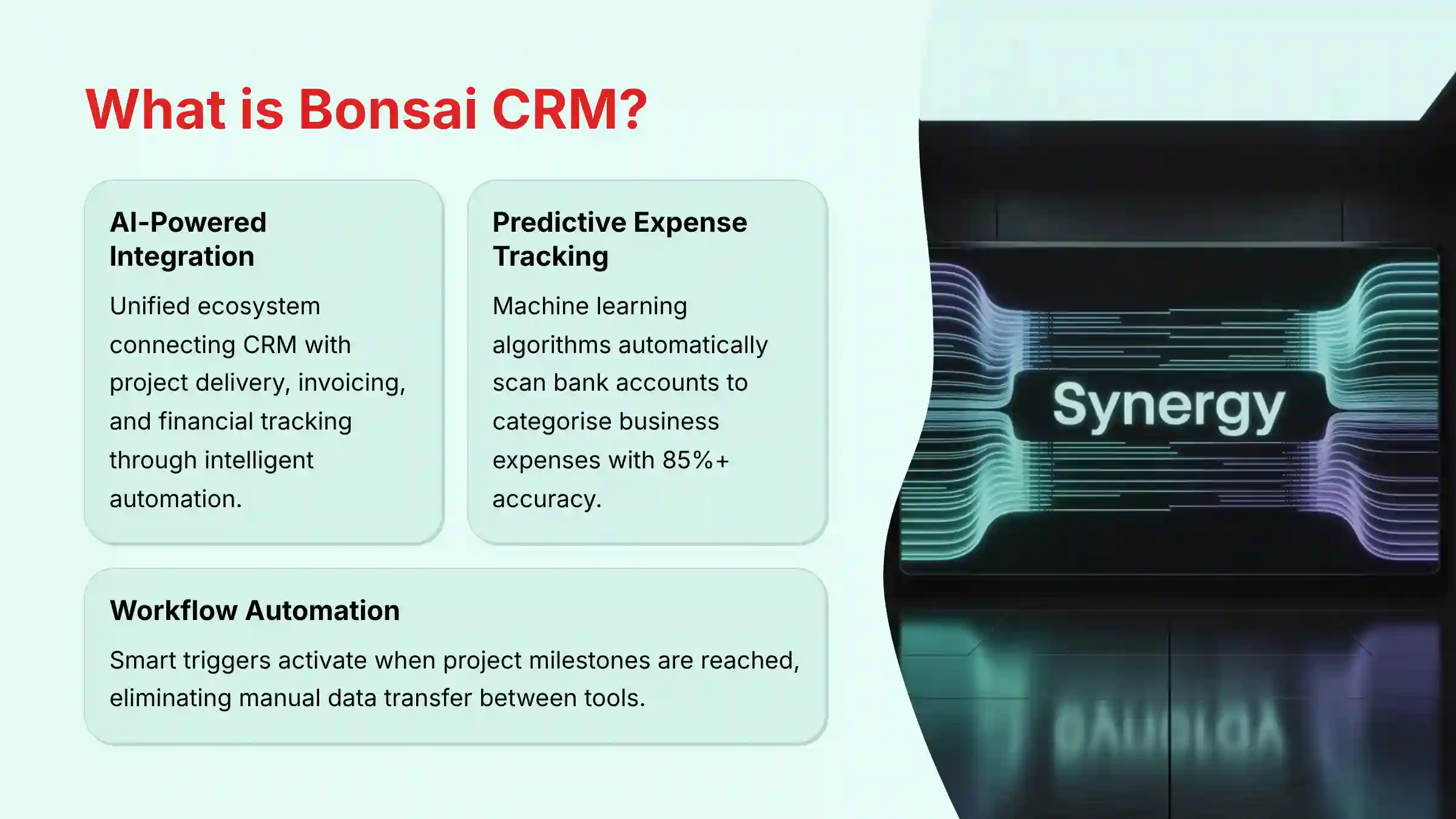
Bonsai is an all-in-one business management platform that integrates AI-powered CRM functionality specifically designed for freelancers, solopreneurs, and small service-based businesses. Unlike traditional CRMs that focus solely on contact management, Bonsai creates a unified ecosystem where AI automation connects client relationship management with project delivery, invoicing, and financial tracking.
The platform’s AI-driven CRM capabilities include centralized client information management, visual project pipeline tracking, automated communication workflows, and intelligent lead nurturing. What sets Bonsai apart in the AI CRM space is its predictive expense categorization system, which automatically scans connected bank accounts to identify and categorize business expenses using machine learning algorithms. This AI automation extends to invoice generation, payment reminder scheduling, and workflow triggers that activate when specific project milestones are reached.
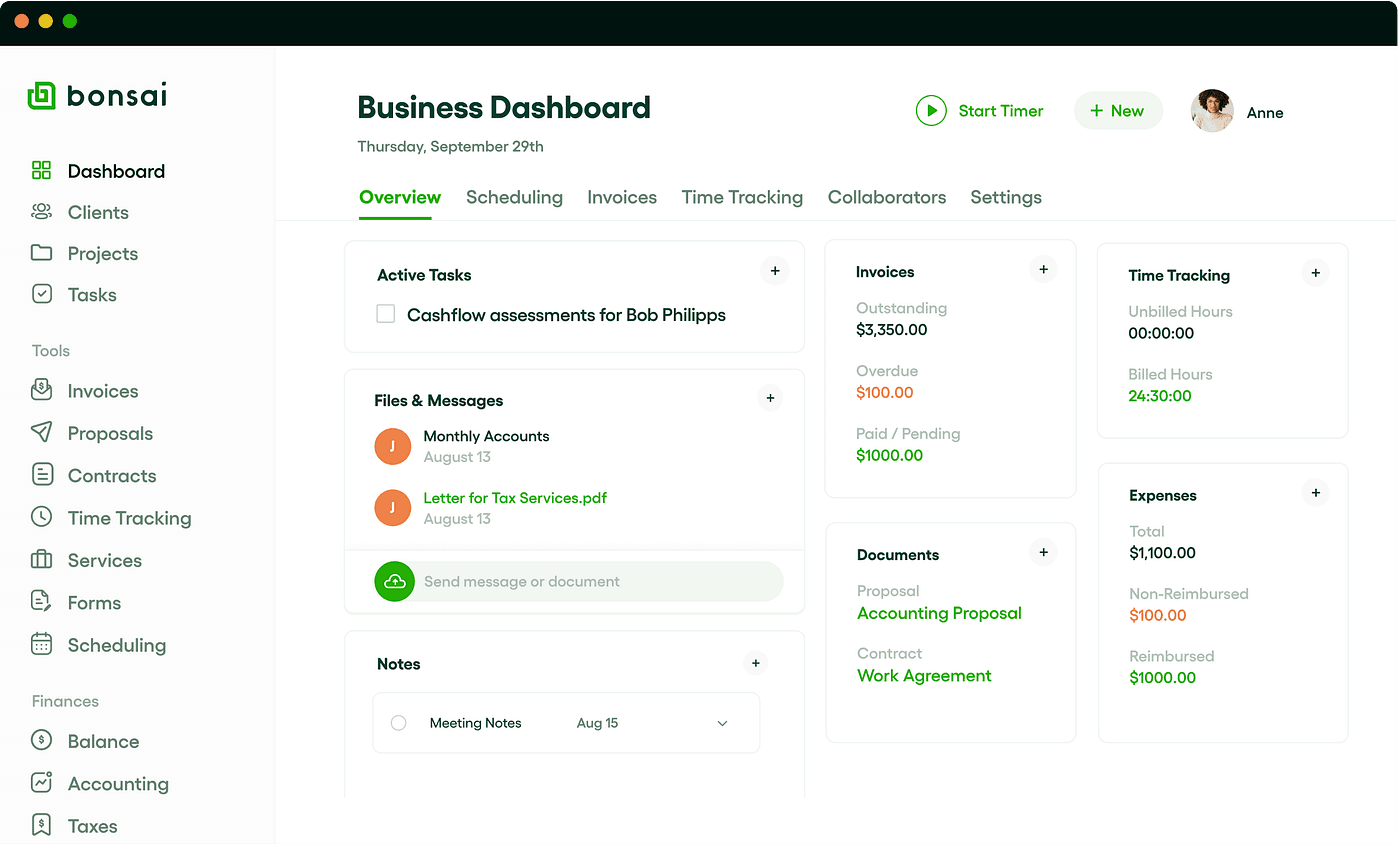
Bonsai’s strength lies in its seamless integration approach – the CRM doesn’t operate in isolation but serves as the central nervous system connecting proposals, contracts, time tracking, and tax preparation. For freelancers managing multiple clients simultaneously, this AI-powered connectivity eliminates the need to manually transfer data between different tools, reducing administrative overhead while maintaining professional client relationships throughout the entire business lifecycle. For those exploring comprehensive Bonsai Overview and Features, the platform demonstrates how AI can transform traditional freelance business management.
Who should use Bonsai CRM and what business types benefit most?
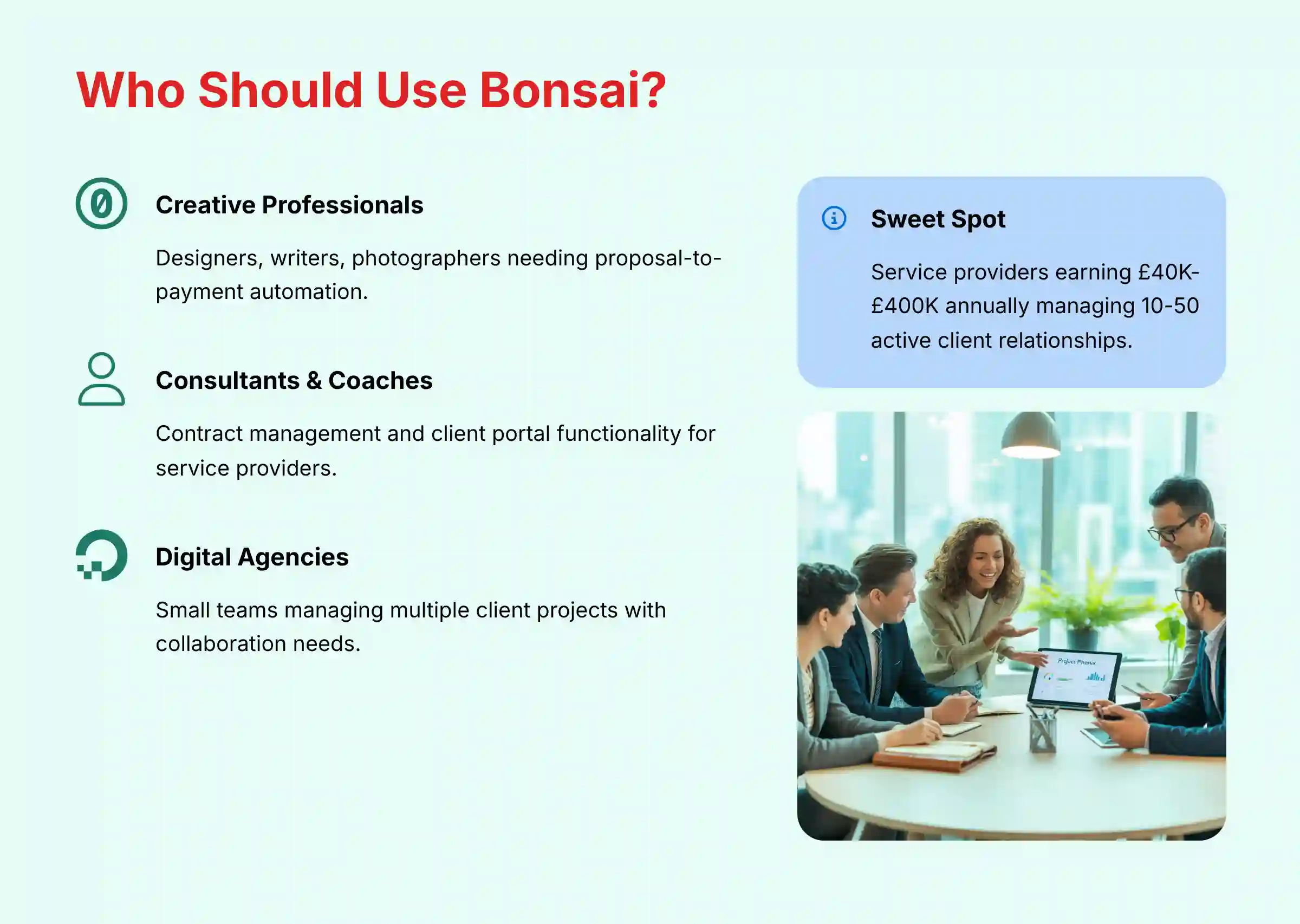
Bonsai CRM is specifically engineered for solo freelancers and small service-based businesses with 1-5 team members who need to manage the complete client lifecycle from a single platform. The AI-powered features are optimized for business owners who wear multiple hats – handling sales, project delivery, invoicing, and financial management simultaneously.
Ideal users include:
- Creative professionals (designers, writers, photographers) who need proposal-to-payment automation
- Consultants and coaches requiring contract management and client portal functionality
- Digital agencies managing multiple client projects with team collaboration needs
- Technical freelancers (developers, marketing specialists) who value streamlined administrative processes
The platform excels for businesses where the primary decision-maker is directly involved in client interactions and project delivery. Bonsai’s AI automation shines when handling repetitive tasks like expense categorization, invoice generation, and follow-up scheduling – areas where solo entrepreneurs typically spend significant non-billable time.
Less suitable for:
- Large enterprises requiring department-specific CRM features or complex sales team hierarchies
- Product-based businesses needing inventory management or e-commerce integration
- Companies with dedicated sales teams who need advanced lead scoring and sales pipeline analytics
The sweet spot is service providers earning $50K-$500K annually who need professional systems without enterprise complexity. Bonsai’s AI features become most valuable when managing 10-50 active client relationships with recurring project workflows. When considering alternatives, a detailed Bonsai Top Alternatives and Competitors comparison can help determine the best fit for your specific business needs.
How does Bonsai’s AI automation compare to traditional CRM systems?
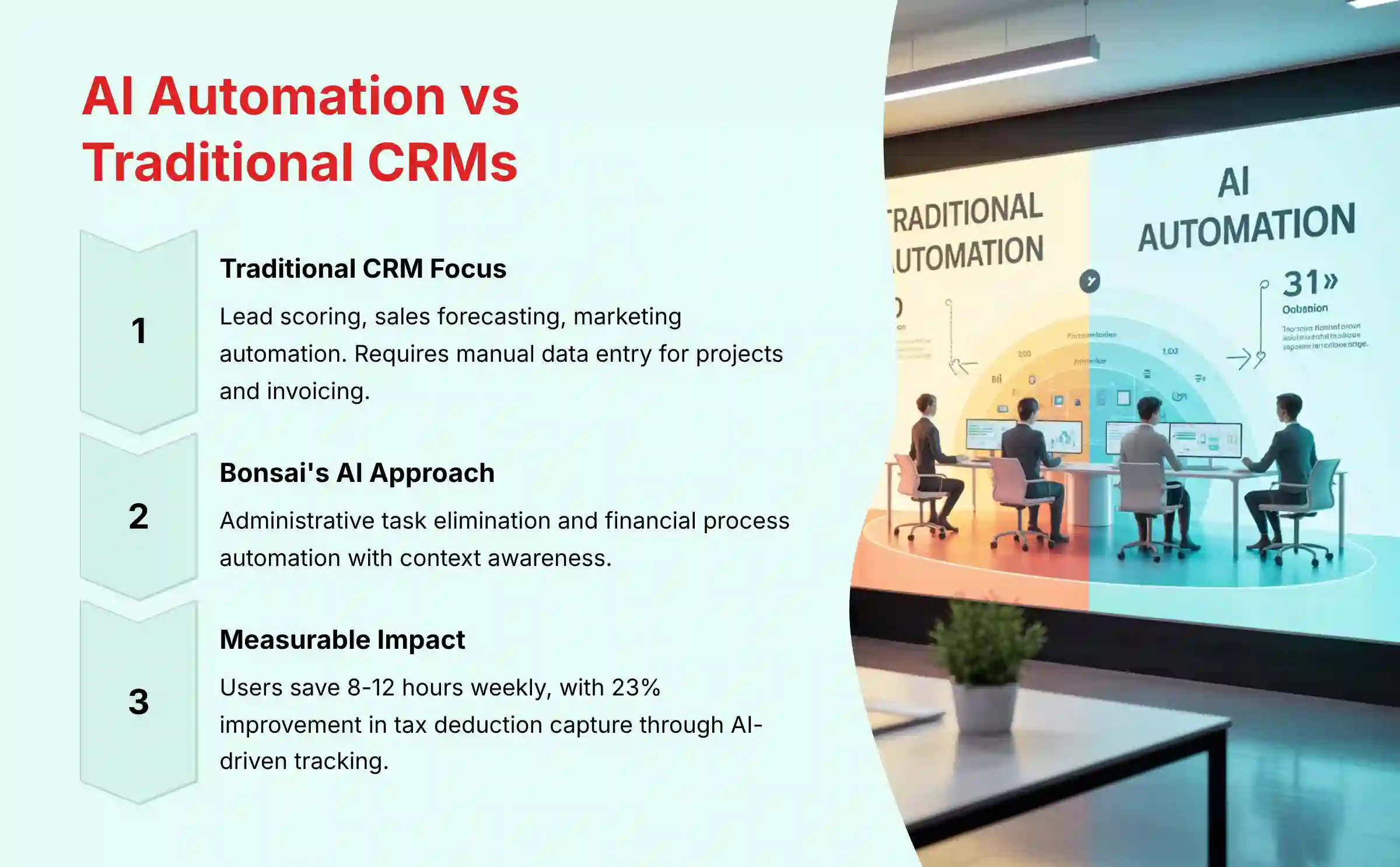
Bonsai’s AI automation takes a fundamentally different approach compared to traditional CRM systems by focusing on workflow integration rather than just contact management. While conventional CRMs like Salesforce or HubSpot excel at lead scoring and sales pipeline analytics, Bonsai’s AI specializes in administrative task elimination and financial process automation.
Key AI automation differences:
Traditional CRM AI: Focuses on predictive lead scoring, sales forecasting, and marketing automation. Requires manual data entry for project details, invoicing, and financial tracking.
Bonsai’s AI approach:
- Smart Expense Recognition: AI automatically categorizes business expenses from connected bank accounts with 85%+ accuracy
- Workflow Trigger Automation: AI initiates specific actions when contracts are signed, payments received, or project milestones completed
- Intelligent Invoice Scheduling: AI analyzes payment patterns to optimize invoice timing and follow-up sequences
- Contextual Template Generation: AI populates proposal and contract templates using CRM data, reducing document creation time by 70%
The critical difference is context awareness – Bonsai’s AI understands the complete freelancer workflow, automatically connecting client relationship data with project deliverables and financial outcomes. Traditional CRM systems require multiple integrations and manual data synchronization to achieve similar connectivity.
Measurable Impact: Users report saving 8-12 hours weekly on administrative tasks, with AI-driven expense tracking improving tax deduction capture by an average of 23%. The integrated approach means fewer software subscriptions and eliminated data entry redundancy between CRM, invoicing, and accounting systems. For comprehensive insights into platform capabilities, our detailed Bonsai Review explores how this AI-powered approach transforms freelance business management.
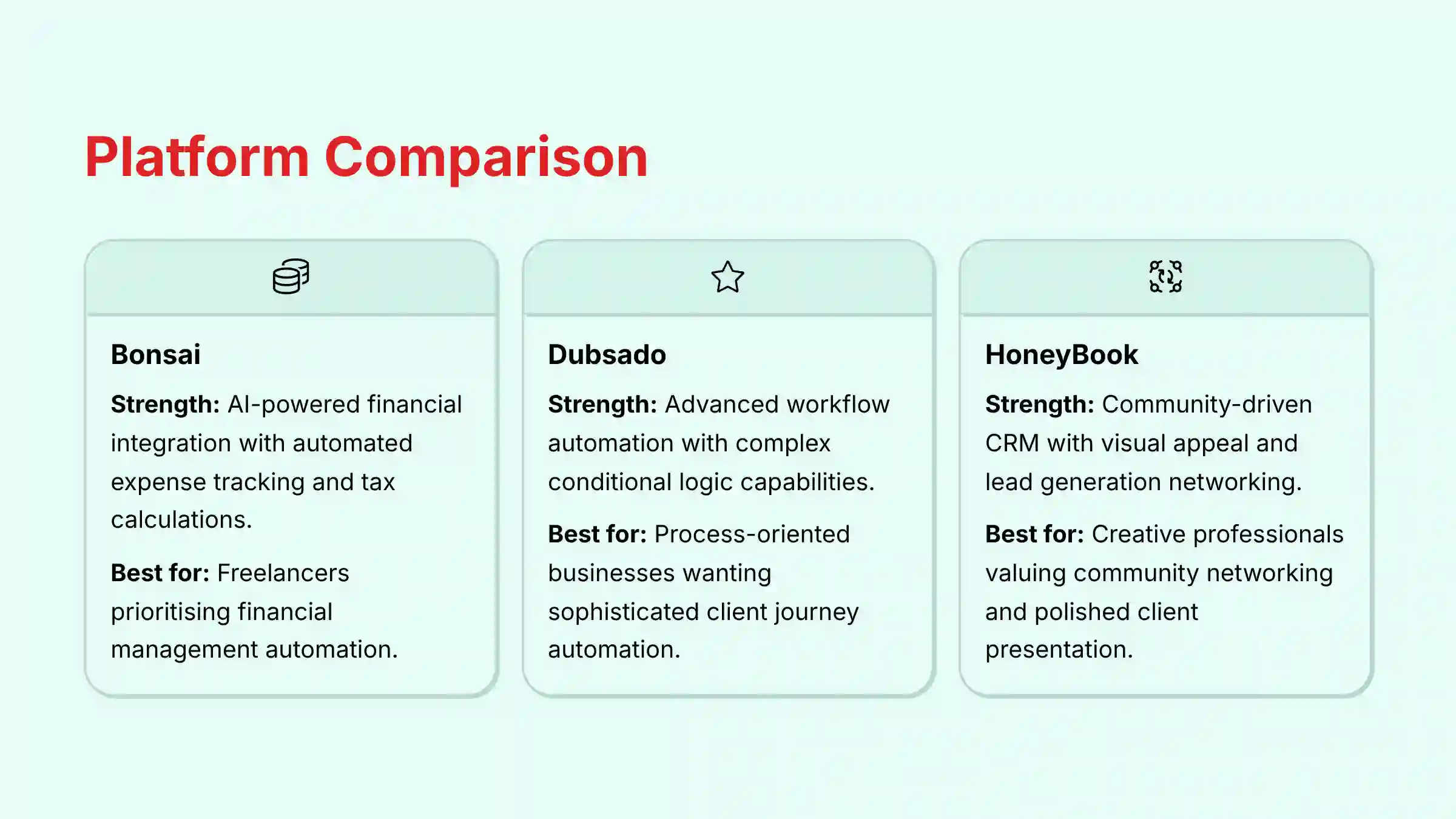
What are the main differences between Bonsai, Dubsado, and HoneyBook CRM platforms?
Choosing between these three AI-enhanced CRM platforms depends on your specific business priorities and technical comfort level. Each platform targets the same core audience but with distinct AI automation philosophies and feature strengths.
Bonsai: AI-Powered Financial Integration
- Core AI Strength: Automated expense tracking and tax calculation with machine learning categorization
- User Experience: Clean, intuitive interface with minimal learning curve
- Best For: Freelancers prioritizing financial management automation and streamlined user experience
- AI Features: Smart expense categorization, automated quarterly tax estimates, intelligent invoice timing
- Limitation: Less customizable workflow automation compared to Dubsado
Dubsado: Advanced Workflow Automation Engine
- Core AI Strength: Complex conditional logic and highly customizable automated workflows
- User Experience: Powerful but steep learning curve; requires significant setup investment
- Best For: Process-oriented businesses wanting sophisticated client journey automation
- AI Features: Advanced form logic, multi-step email sequences, conditional workflow branching
- Limitation: Less emphasis on financial/tax automation features
HoneyBook: Community-Driven CRM with Visual Appeal
- Core AI Strength: Lead generation through community networking and visually optimized client experiences
- User Experience: Balance of functionality and ease-of-use with strong visual design
- Best For: Creative professionals valuing community networking and polished client presentation
- AI Features: Smart lead matching, automated follow-up sequences, visual project timelines
- Limitation: Less robust financial tracking compared to Bonsai
Decision Framework: Choose Bonsai if financial automation is your priority, Dubsado for maximum workflow customization, or HoneyBook for community-based lead generation and visual client experiences. For practical implementation guidance, explore comprehensive Bonsai Tutorials and Usecase resources to maximize platform effectiveness.
What are the limitations of Bonsai’s AI automation capabilities?
While Bonsai excels at core freelancer workflow automation, understanding its AI limitations is crucial for setting realistic expectations and determining if additional tools are necessary for your specific business needs.
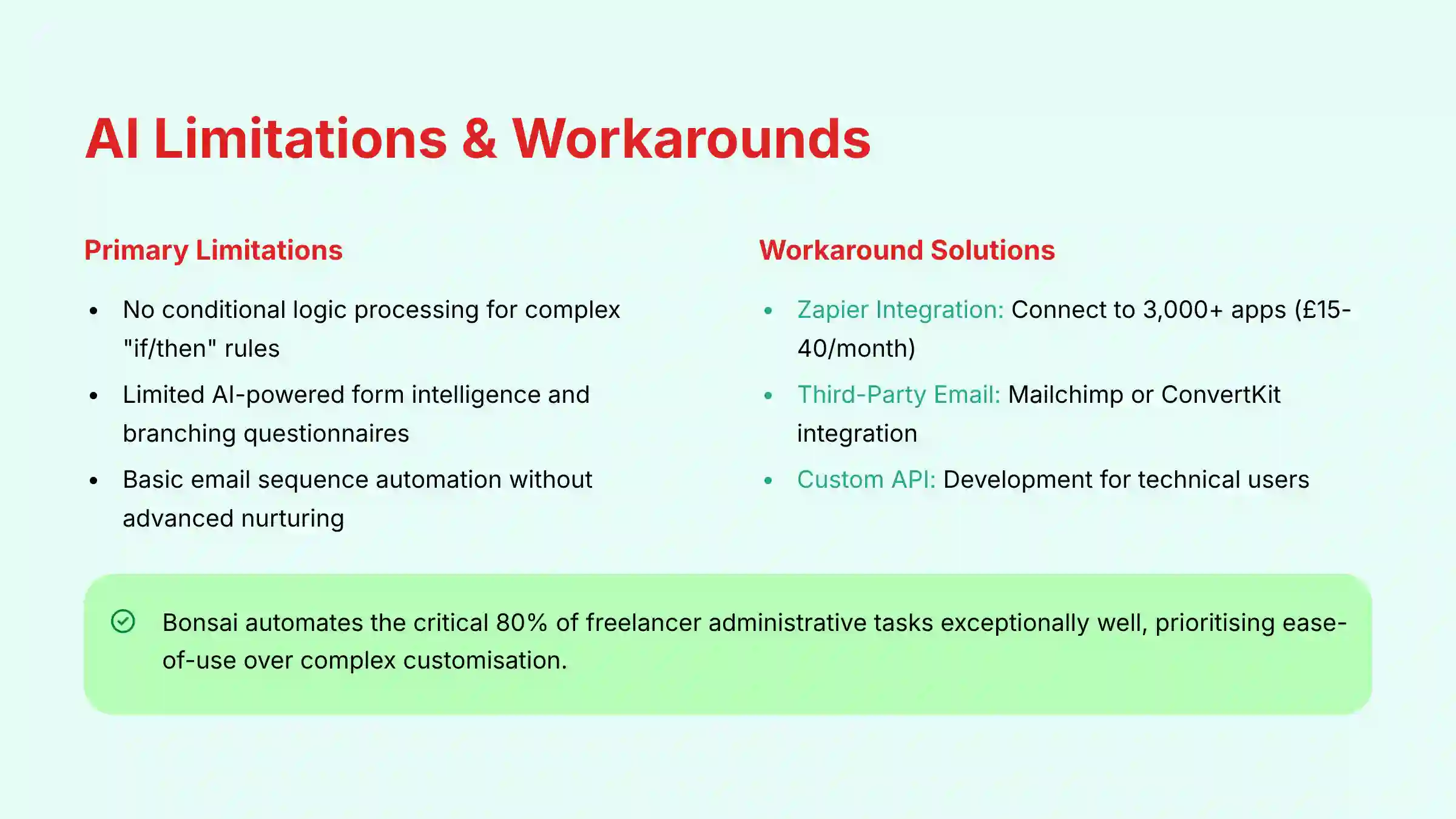
Primary AI Automation Limitations:
No Conditional Logic Processing: Bonsai’s AI operates on linear trigger-based automation (e.g., “when contract signed → generate invoice”) but lacks sophisticated “if/then” conditional logic. You cannot create complex rules like “if client budget exceeds $10,000 → send premium service email, else → send standard service email.” This limits personalized client journey automation based on specific criteria.
Limited AI-Powered Form Intelligence: While Bonsai provides functional client intake forms, the AI cannot dynamically adapt form questions based on previous answers or create branching questionnaires that adjust to client responses in real-time.
Basic Email Sequence Automation: The platform can automate essential communications (payment reminders, project kickoffs) but lacks AI-driven nurture sequence optimization. You cannot build sophisticated email marketing campaigns with AI-powered send time optimization or content personalization based on client behavior patterns.
Workaround Solutions:
- Zapier Integration: Connect Bonsai to 3,000+ apps for complex conditional workflows, though this requires additional subscription costs ($20-50/month)
- Third-Party Email Tools: Integrate with Mailchimp or ConvertKit for advanced email automation
- Custom API Development: For technical users, Bonsai’s API allows custom automation development
Bottom Line: Bonsai’s AI automates the critical 80% of freelancer administrative tasks exceptionally well, but businesses requiring highly customized client journey automation may need supplementary tools. The platform prioritizes ease-of-use over advanced customization, making it ideal for users who value simplicity and efficiency over complex automation possibilities. For common questions about these limitations, our detailed Bonsai FAQs section provides additional clarity on platform capabilities and workarounds.
Are Bonsai’s contract templates legally binding and what security measures protect them?
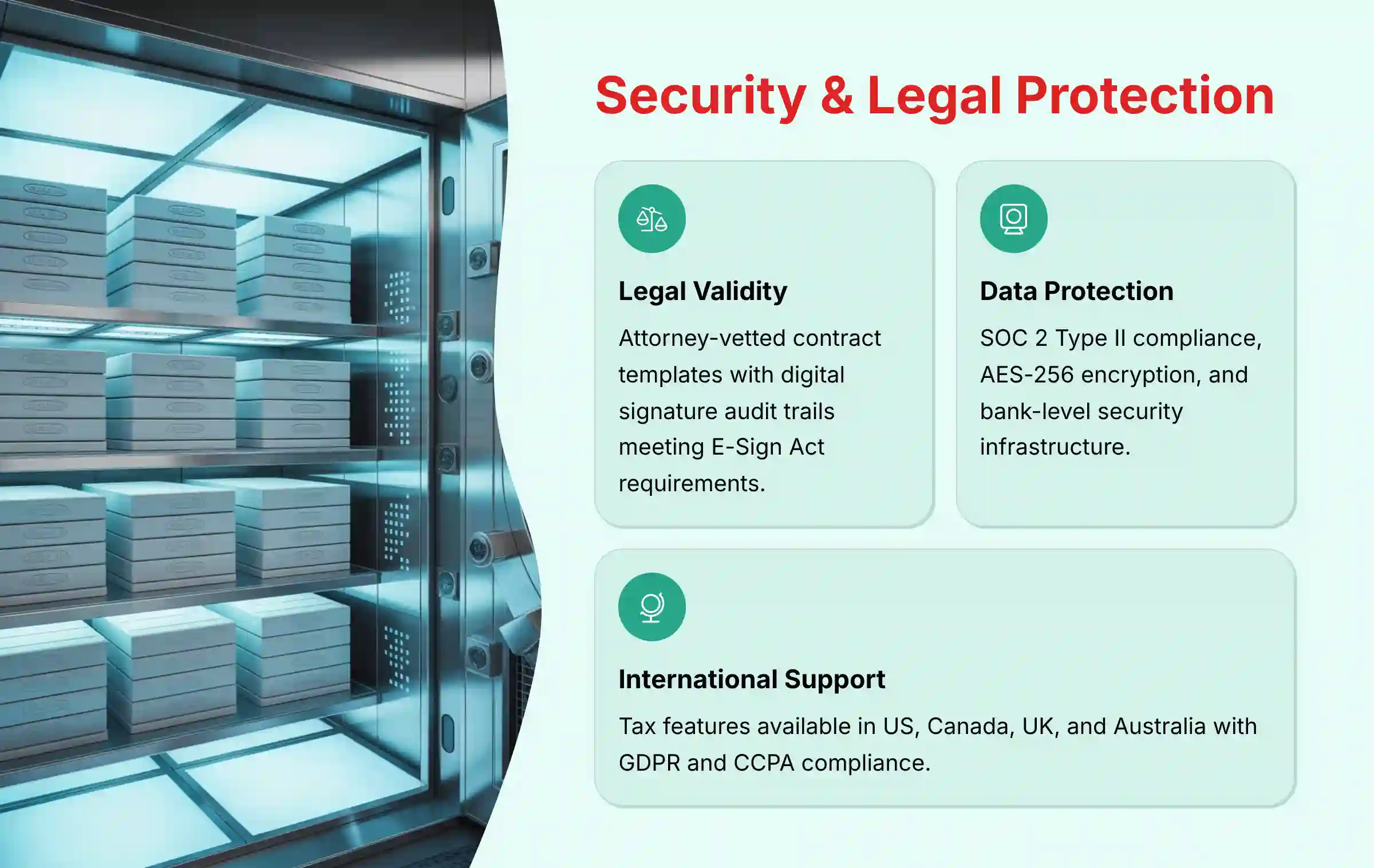
Bonsai’s contract templates are legally binding documents that have been reviewed by experienced contract attorneys and designed to be enforceable across multiple jurisdictions. The platform implements comprehensive security measures to protect contract integrity and ensure legal admissibility.
Legal Validity and Security Features:
Attorney-Vetted Templates: All contract templates undergo legal review to include essential clauses covering scope of work, payment terms, intellectual property rights, liability limitations, and confidentiality provisions. Templates are designed to meet standard enforceability requirements in major business jurisdictions.
Digital Signature Security: Bonsai maintains a complete audit trail for each signed contract, recording timestamps, IP addresses, email verification, and signing device information. This creates legally admissible evidence of agreement formation that courts recognize as equivalent to traditional paper signatures under electronic signature laws (E-Sign Act in the US, similar regulations internationally).
Data Protection Measures:
- End-to-end encryption for all contract storage and transmission
- SOC 2 Type II compliance for data handling procedures
- Bank-level security infrastructure with multi-factor authentication options
- Regular security audits and penetration testing
Critical Legal Disclaimers:
Jurisdictional Considerations: Contract law varies significantly between countries, states, and industries. While templates provide strong baseline protection, they should not replace consultation with local legal counsel for high-value projects or unique circumstances.
Customization Risks: Significant modifications to templates may inadvertently weaken legal enforceability. For custom additions, professional legal review is recommended.
International Usage Note: Bonsai’s tax features are available in the US, Canada, UK, and Australia, but contract templates can be used globally with appropriate legal consultation for local compliance.
How secure is financial and client data within Bonsai’s CRM system?
Bonsai implements enterprise-level security protocols to protect sensitive financial and client information, recognizing that CRM platforms handle some of the most valuable and sensitive business data including client contact details, project information, revenue data, and connected banking information.
Comprehensive Security Infrastructure:
Data Encryption Standards:
- Data in transit: TLS 1.3 encryption for all communications between browsers and servers
- Data at rest: AES-256 encryption for all stored information including client records, financial data, and contract files
- Database security: Encrypted database storage with access logging and monitoring
Financial Data Protection:
- PCI DSS compliant payment processing through Stripe and PayPal integrations
- Bank-level encryption for connected financial accounts
- No storage of complete payment card data – tokenization through certified payment processors
- Segregated financial data with restricted access controls
Access Control and Monitoring:
- Multi-factor authentication support for enhanced account security
- Role-based permissions for team accounts with granular access controls
- Audit logging of all data access and modification activities
- IP address monitoring and suspicious activity detection
Infrastructure Security:
- SOC 2 Type II certification demonstrating comprehensive security controls
- AWS/Google Cloud infrastructure with enterprise-grade physical security
- Regular penetration testing and vulnerability assessments
- GDPR and CCPA compliance for international data protection requirements
Critical Security Recommendations: Users must implement strong password policies and enable two-factor authentication where available. The platform provides the secure infrastructure, but account-level security depends on user practices. Regular password updates and avoiding password reuse across platforms significantly enhance overall data protection.
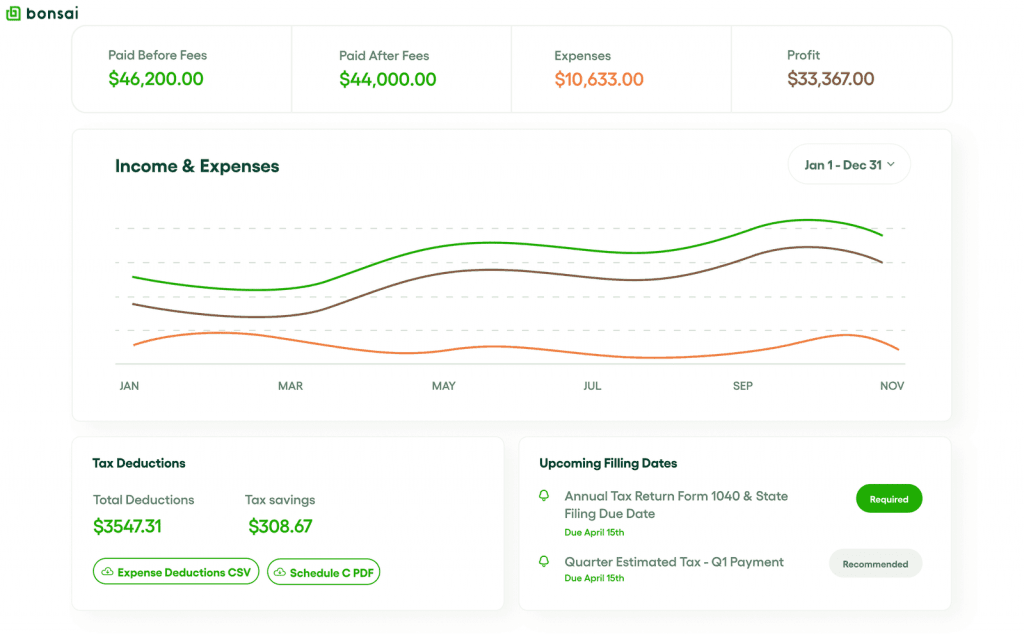
Can Bonsai handle tax preparation and expense tracking for international users?
Bonsai’s AI-powered tax preparation and expense tracking features are specifically designed for freelancers and small businesses in multiple countries including the United States, Canada, the United Kingdom, and Australia. The platform’s AI algorithms are calibrated to each country’s specific tax regulations and business expense categories.
International Tax Features by Region:
United States:
- Automated Schedule C preparation for sole proprietors
- Quarterly estimated tax calculations (federal and state)
- 1099 form generation and tracking
- State-specific tax rate calculations
Canada:
- T1 General tax form support for sole proprietors
- GST/HST calculation and tracking
- Provincial tax rate integration
- Business expense categorization per CRA guidelines
United Kingdom:
- Self Assessment tax return preparation
- VAT calculation and reporting
- UK-specific business expense categories
- HMRC-compliant record keeping
Australia:
- Individual tax return support for sole traders
- GST calculation and BAS statement preparation
- ATO-compliant expense categorization
- Superannuation and tax offset calculations
AI-Powered Expense Automation: The platform’s machine learning algorithms automatically categorize expenses based on merchant data, transaction patterns, and country-specific tax codes. Users can connect bank accounts and credit cards for automatic transaction import, with AI achieving 85%+ accuracy in expense categorization across supported countries.
Important Compliance Disclaimer: While Bonsai provides sophisticated tax estimation and expense tracking, it serves as a supportive tool rather than professional tax advice. Users should verify calculations with qualified local tax professionals and ensure compliance with current tax regulations. The software’s outputs should be reviewed and validated before filing official tax returns, as tax laws can change and individual circumstances may require professional consultation.
Limitation for Unsupported Countries: Users outside the four supported countries can still utilize Bonsai’s CRM and project management features but should not rely on tax calculation features, as these are not calibrated for local tax regulations. For comprehensive platform comparison, our Best 10 CRMs for Small Business & Solopreneurs guide helps identify the most suitable solution for your specific geographical and business requirements.
What is the process for migrating data to and from Bonsai CRM?
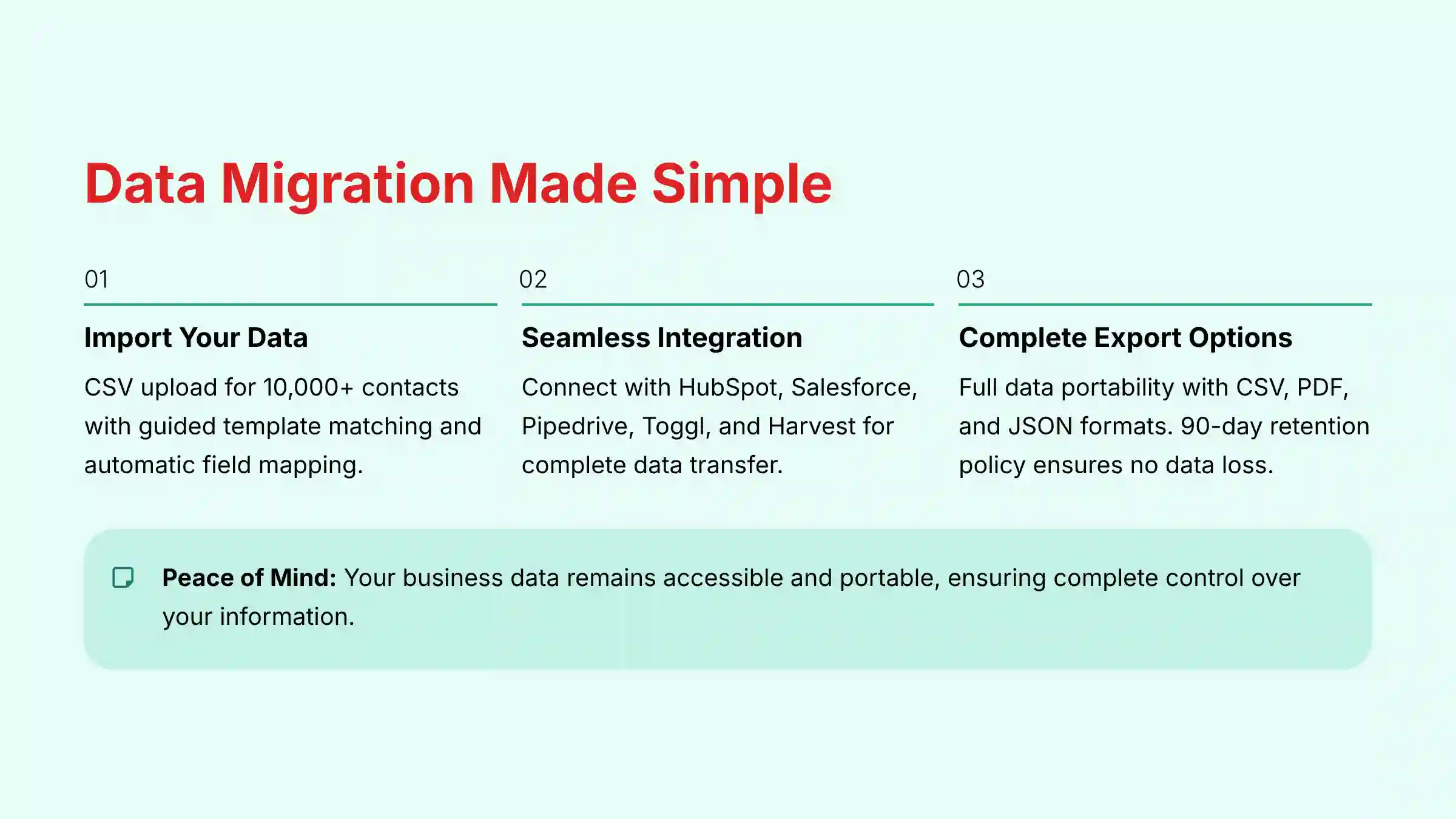
Bonsai provides comprehensive data migration tools to ensure smooth transitions both when adopting the platform and if you ever need to switch to different software. The platform prioritizes data portability and user control over business information.
Migrating TO Bonsai:
Client Data Import:
- Upload client lists via CSV file format with guided template matching
- Automatic field mapping for contact information, project history, and communication records
- Bulk import support for up to 10,000 contacts with data validation checking
- Integration connectors for popular CRMs like HubSpot, Salesforce, and Pipedrive
Project and Financial Data:
- Manual project creation for active clients with template-based setup
- Historical invoice data import through CSV upload with date range selection
- Time tracking data migration from platforms like Toggl or Harvest
- Contract template import and customization for existing agreement formats
Automated Setup Assistance:
- Guided onboarding wizard with progress tracking
- AI-powered data mapping suggestions based on common field structures
- Duplicate contact detection and merging recommendations
- Integration testing tools to verify data accuracy post-migration
Exporting FROM Bonsai:
Complete Data Export Options:
- Client database: Full contact export with relationship history, project associations, and communication logs
- Financial records: Comprehensive income/expense data, invoice history, and tax-related information
- Project data: Complete project timelines, deliverables, and collaboration records
- Contract archive: PDF downloads of all signed agreements with audit trail information
Export Formats:
- CSV files for database information (importable to Excel, Google Sheets, or other CRMs)
- PDF archives for contracts, invoices, and official documents
- JSON format for developers requiring structured data
- Integration with popular platforms like QuickBooks for financial data continuity
Data Retention Policy: Bonsai maintains user data for 90 days after account cancellation, allowing time for complete data retrieval. Users receive export instructions and download links before account closure, ensuring no business-critical information is lost during transitions.
Conclusion: Bonsai CRM represents a comprehensive solution for freelancers and small service businesses seeking AI-powered automation without enterprise complexity. The platform’s strengths lie in its integrated approach to client management, financial automation, and workflow optimization, making it particularly valuable for solo entrepreneurs and small teams managing multiple client relationships.
While Bonsai may have limitations in advanced conditional logic and complex email marketing automation, its core AI features effectively address the most time-consuming administrative tasks that freelancers face daily. The platform’s international support, enterprise-level security, and comprehensive data migration capabilities position it as a reliable long-term business management solution for qualifying users.







Leave a Reply