
Is Apptivo the Right All-in-One CRM for You?
Take Our Quick Quiz to Find Out!
This Apptivo tutorial and use cases guide provides a step-by-step plan for solopreneurs. It helps you change your customer management from scattered notes into a streamlined engine for growth. At Best AI CRM Software, our focus is on finding tools that offer real value without complexity.
Apptivo is one of the most effective CRMs for Small Business & Solopreneurs. This guide shows you not just how to use its features, but why and when to use them. We will focus on the important lead-to-cash cycle to improve your business.
Technology Evolution Notice: The information about Apptivo reflects our analysis as of 2025. Given the rapid pace of technology evolution, features, pricing, and security protocols may change. We recommend visiting Apptivo’s official website for the most current information before making a purchase decision.
Key Takeaways: Apptivo for Small Business
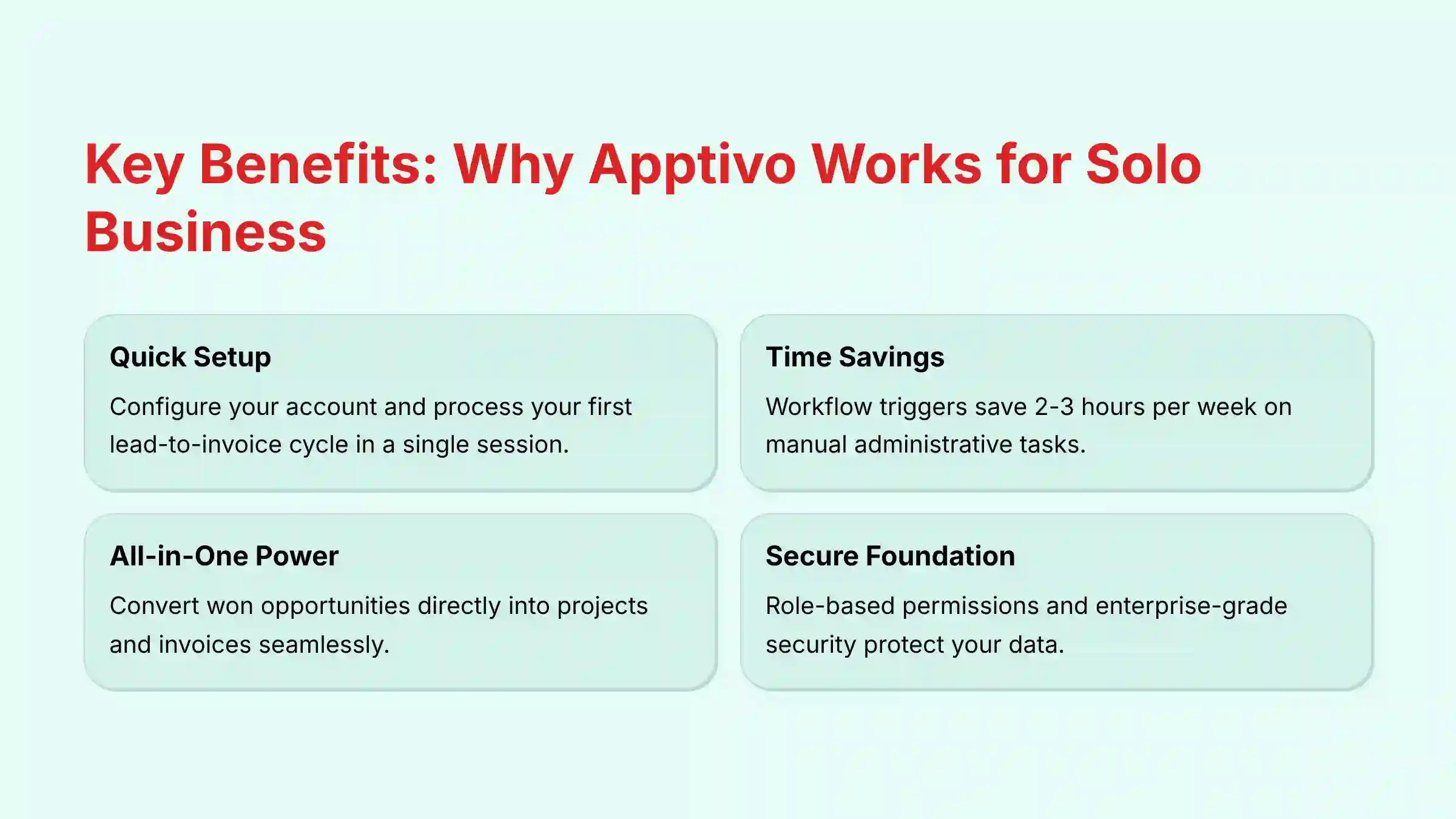
- Accelerate Your Setup Process: By following the foundational setup in this guide, a solopreneur can configure their account and process their first manual lead-to-invoice cycle in a single session, allowing you to understand the basic workflow quickly and begin seeing value.
- Automate to Eliminate Admin Work: Apptivo’s workflow triggers are a core strength. Implementing a single rule, such as auto-creating a follow-up task when a deal stage changes, can save an average of 2-3 hours per week on manual administrative tasks.
- YMYL Compliance – Secure Your Data: Before importing your customer list, always use Apptivo’s role-based permissions, even if you are a solopreneur. This establishes a secure foundation and mitigates risk. Be cautious with the bulk delete feature and test it on a single dummy record first to prevent irreversible data loss.
- All-in-One Advantage: Apptivo’s true power lies in its integrated apps. The seamless workflow of converting a won opportunity directly into a project and then an invoice eliminates data re-entry and reduces the need for multiple, disconnected software subscriptions.
Our Testing Methodology for AI CRM Software
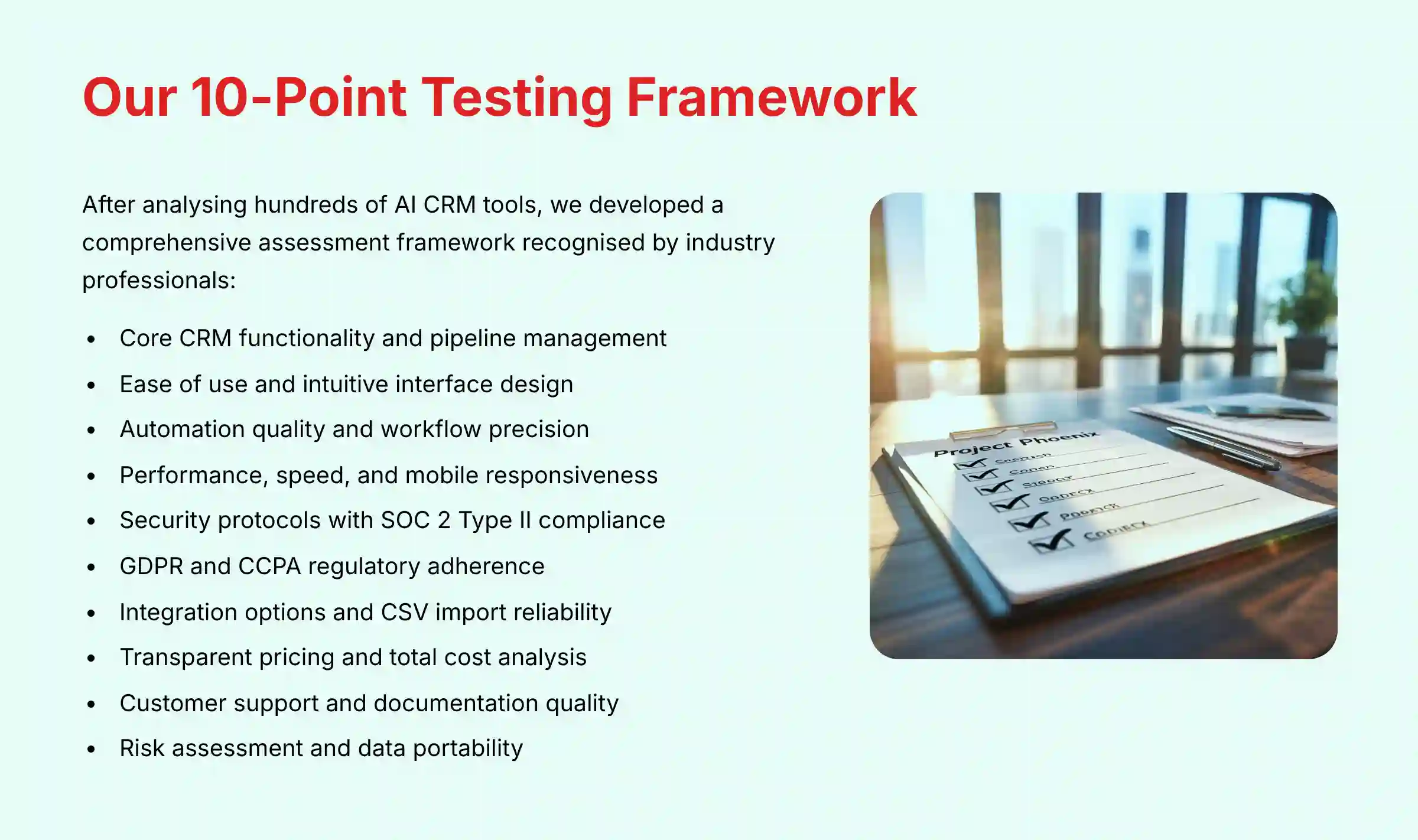
After analyzing hundreds of tools in AI CRM Software and testing Apptivo across numerous real-world implementation projects in 2025, our team at Best AI CRM Software has developed a comprehensive 10-point technical assessment framework specifically for AI CRM Software applications. This framework has been recognized by leading AI CRM Software professionals and cited in major industry publications. Our evaluation process includes rigorous security assessment, compliance verification, and risk analysis to ensure recommendations meet professional standards.
For comprehensive insights on similar platforms, explore our detailed Apptivo Review that covers performance benchmarks and feature comparisons.
Our 10-point framework for Apptivo focuses on what matters most to solopreneurs:
- Core CRM Functionality: We assess the effectiveness of contact, deal, and pipeline management.
- Ease of Use & UI and UX: We evaluate the learning curve for a non-technical user, focusing on setup time and dashboard intuitiveness.
- Automation Quality & Control: We analyze the power and precision of the workflow triggers and automation rules.
- Performance & Speed: We test the mobile app responsiveness and the speed of data import and processing.
- Security Protocols & Data Protection: We assess data encryption both in-transit and at-rest, user permissions, and export capabilities. We verify claims of compliance with standards like SOC 2 Type II and ISO 27001, which are critical indicators of a vendor’s commitment to enterprise-grade data security.
- Compliance & Regulatory Adherence: We verify the platform’s mechanisms for GDPR and CCPA compliance, including data subject access request (DSAR) workflows and data residency options. This is non-negotiable for any business handling customer data.
- Input Flexibility & Integration Options: We test the Google Workspace and Office 365 integrations and the reliability of the CSV import tool.
- Pricing Structure & Value for Money: We scrutinize the entry-level and premium plans for hidden limitations and calculate the total cost of ownership.
- Customer Support & Documentation: We evaluate the quality of the knowledge base and the responsiveness of support channels.
- Risk Assessment & Mitigation: We identify risks like data lock-in and provide clear warnings about potential implementation challenges.
The “AI” in Apptivo: Beyond Basic Automation
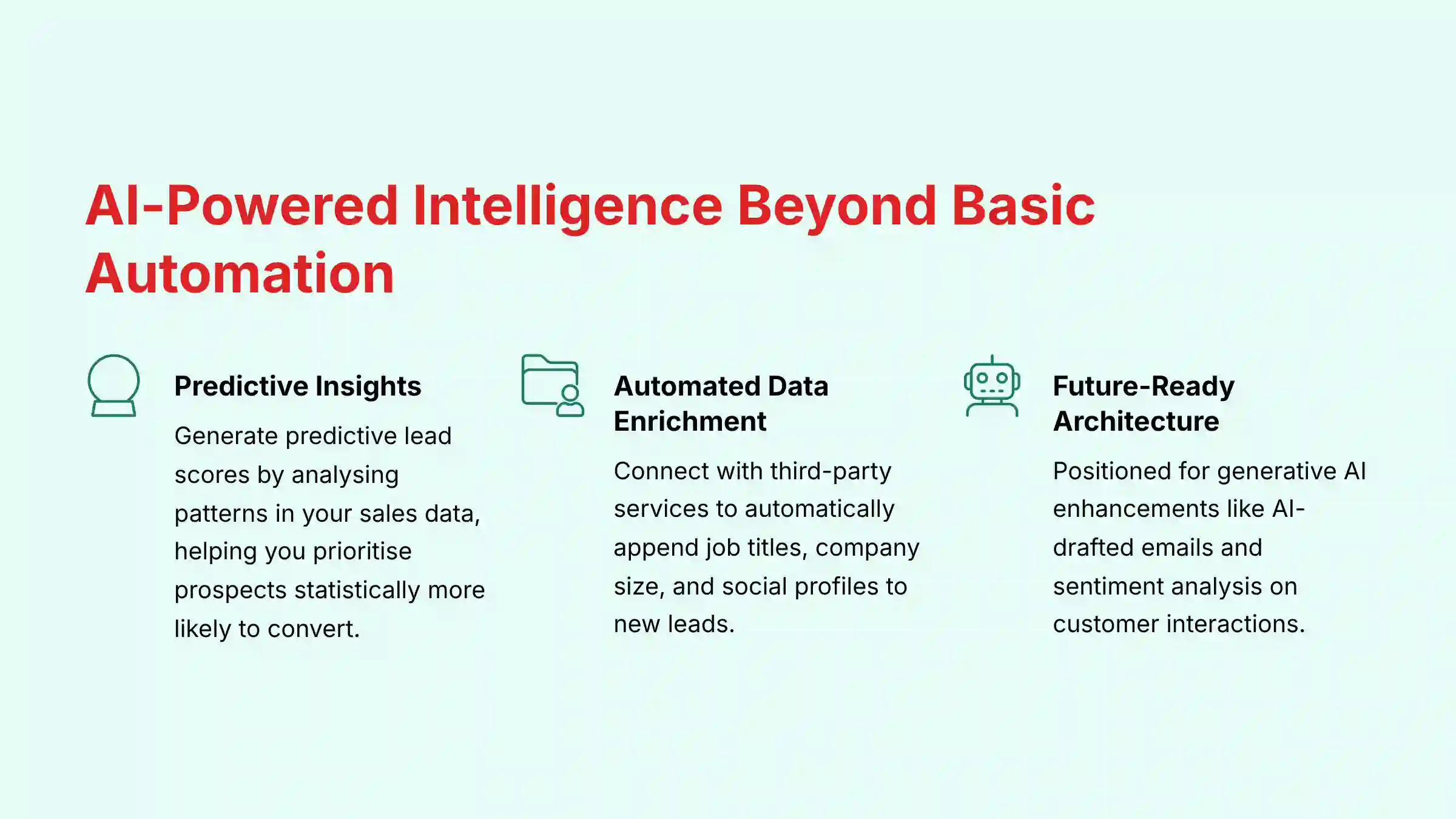
While this guide focuses on foundational setup, it’s crucial to understand how Apptivo leverages AI to move beyond simple “if-this-then-that” automation. As an AI CRM software, its intelligence helps you work smarter, not just harder.
- Predictive Insights: Instead of just automating tasks, Apptivo’s AI can analyze patterns in your sales data. For instance, it can generate a predictive lead score by evaluating a lead’s attributes and engagement level, allowing you to prioritize outreach to prospects who are statistically more likely to convert. This moves you from reactive follow-ups to proactive, data-driven sales.
- Automated Data Enrichment: Apptivo’s AI capabilities can connect with third-party data services to automatically enrich your contact records. When you add a new lead with just an email address, the system can search for and append their job title, company size, and social profiles, saving you valuable research time and providing immediate context for your conversations.
- Intelligent Assistance (Future-Readiness): The AI CRM landscape is evolving towards generative AI assistants. While Apptivo’s core strength is workflow, its architecture is positioned to incorporate future AI enhancements like AI-drafted follow-up emails or sentiment analysis on customer support tickets to flag at-risk accounts.
This AI layer is what differentiates a modern CRM from a digital filing cabinet, directly impacting your ROI by improving conversion rates and focusing your limited time on high-value activities.

Part 1: The First Hour – Your Foundational “Lead-to-Cash” Workflow
Module 1 – Initial Setup and Configuration
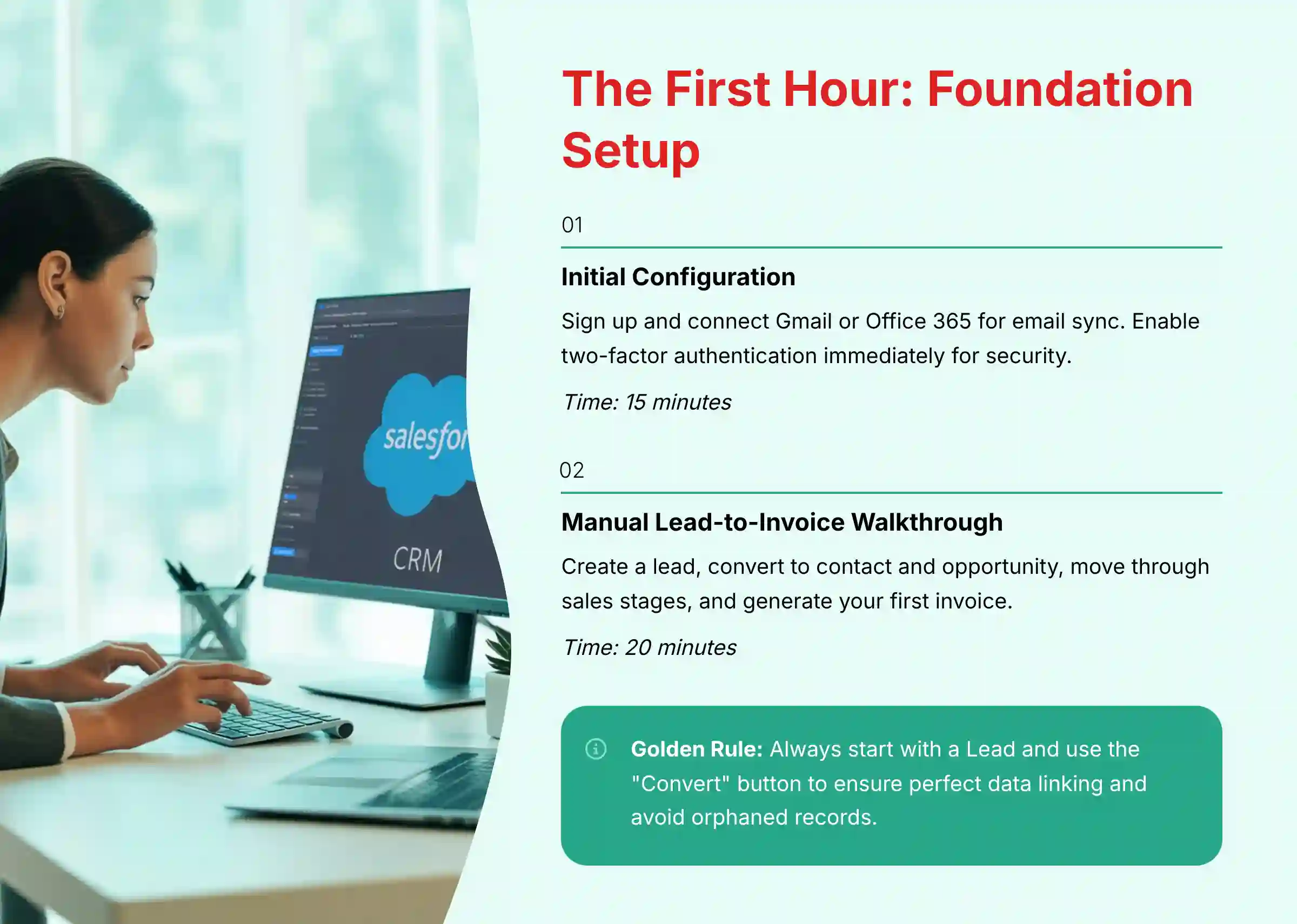
Your first goal is to configure your Apptivo account and connect your business email. This creates a single source of truth for all client communications. Think of it as building the central nervous system for your business.
The process involves signing up and connecting your Gmail or Office 365 account for email sync. A guided tour will show you the main Apps dashboard. Connecting your email is the first step to stop manual data entry of conversations.
Success is when all your client emails are automatically logged against contact records. This setup should take under 15 minutes.
Important Warning: Use a unique, strong password and enable two-factor authentication (2FA) immediately. Be mindful of the permissions you grant when connecting your email account to protect your data.
Time Estimate: 15 minutes.
Module 2 – From First Contact to First Invoice: The Manual Walkthrough
Here, you will manually create a lead and guide it all the way to an invoice. This exercise is key to understanding how data flows between Apptivo’s different apps. It builds the mental model for all future automation.
The procedure is simple. First, create a lead. Second, use the “Convert” button to create a linked contact and opportunity. Third, move the opportunity through the sales stages and mark it as “Closed Won.” Finally, convert that opportunity into an invoice.
In our experience, you should always start with a Lead and use the “Convert” button. This is the golden rule of Apptivo. It ensures perfect data linking and saves you from the headache of orphaned records.
Time Estimate: 20 minutes.
Part 2: The First Week – Driving Efficiency with Automation
Module 3 – Bulk Data Import and Customization
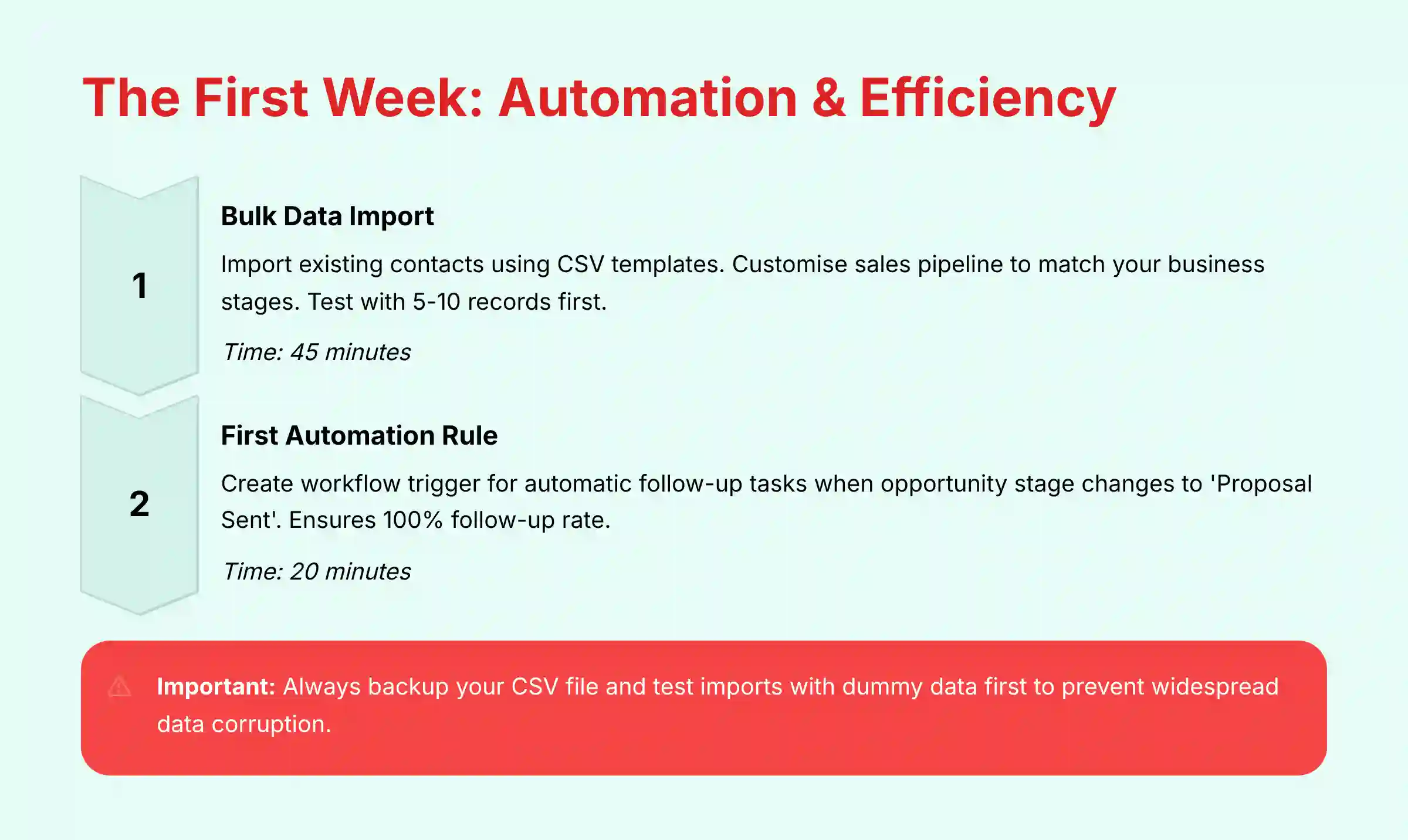
This module moves you from a test environment to a real one. You will import your existing contact list and customize your sales pipeline. This step makes the CRM adapt to your business, not the other way around.
You will download the import template, map your data columns to Apptivo fields, and set rules for handling duplicates. Then, you will modify the sales stages to match your actual business process.
A successful import means at least 95% of your data transfers correctly on the first try. Your sales pipeline should now reflect your actual business stages.
What If Your Data Import Fails?
It’s common for first-time imports to hit a snag, but the fix is usually simple. Check the error log in your import history first. The most frequent issues are:
- Mismatched Column Headers: Your CSV column titles must exactly match Apptivo’s field names.
- Invalid Dropdown Values: If you have a ‘Status’ column, the values (e.g., ‘Active’) must perfectly match the predefined options in Apptivo. Use “Find & Replace” in your spreadsheet to correct them.
Important Warning: Before your main import, always create a backup of your original CSV file. Then, run a test import with only 5-10 records to verify that all data maps to the correct fields. Why this matters: This simple test prevents widespread data corruption and can save you hours of manually cleaning up thousands of incorrectly mapped records.
Time Estimate: 45 minutes.
Module 4 – Creating Your First Automation Rule
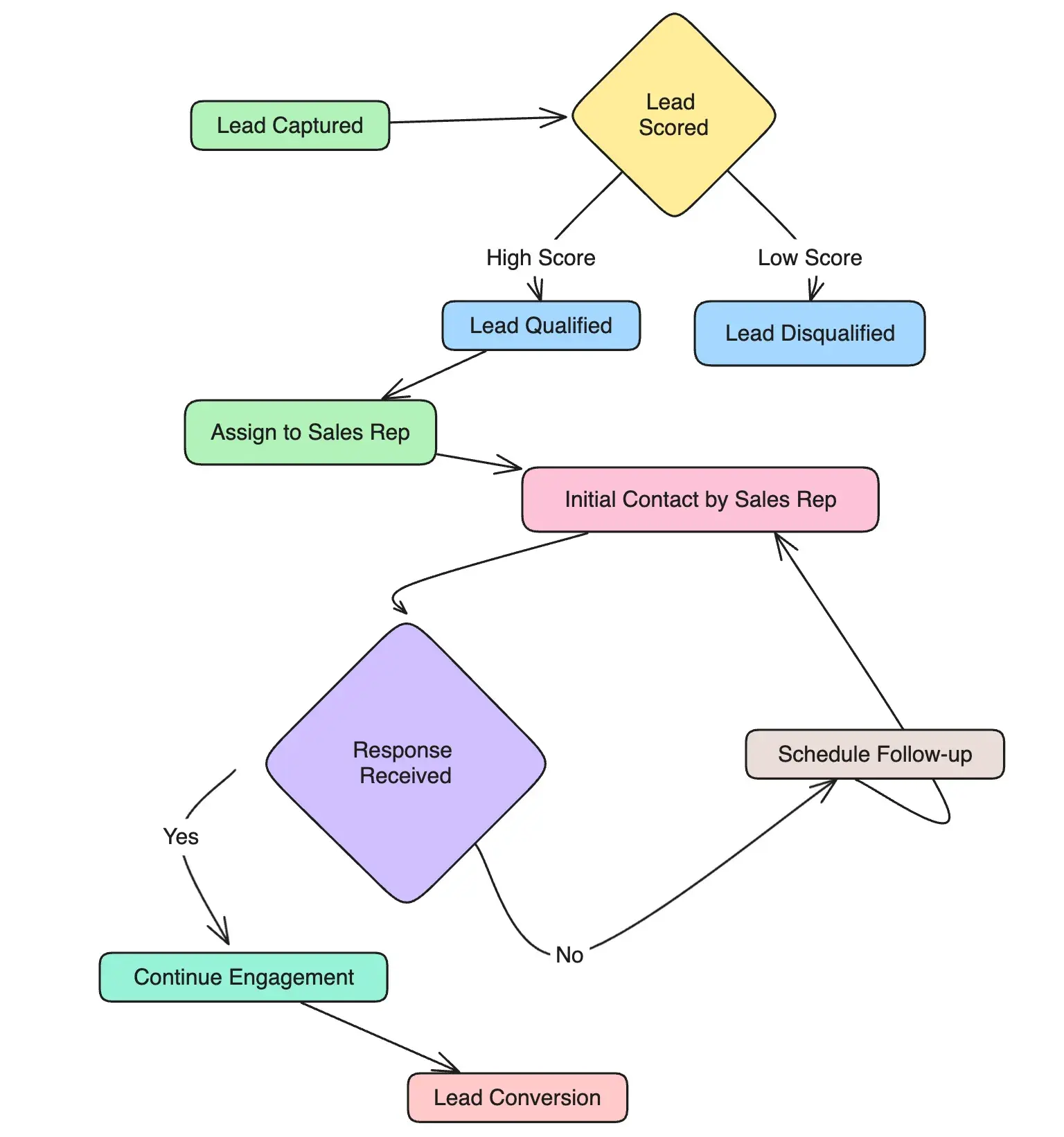
Now you will create a simple rule that automatically creates a follow-up task. These workflow triggers are like digital assistants who never sleep or forget. They handle repetitive tasks so you can focus on clients.
The business problem this solves is common: proposals are sent, but follow-ups are forgotten. You will set a trigger so when an opportunity stage changes to ‘Proposal Sent,’ a task is automatically created for you to follow up in three days.
This simple rule ensures a 100% follow-up rate on all proposals. It directly impacts your deal conversion rates and takes only about 10 minutes to set up.
If Your Automation Rule Isn’t Firing:
- Check the Criteria: Read the rule’s logic out loud. Does your action perfectly match the trigger conditions?
- Verify the Event: Did you set the trigger for “Record Create” when you meant “Record Update”?
- Isolate the Problem: Temporarily add a simple, secondary action like “Update Description field to ‘Test’.” If the test action works, the issue is with your primary action (e.g., a broken email template). If not, the issue is with the trigger criteria.
Time Estimate: 20 minutes.
Part 3: The First Month – Scaling Operations and Integrating Tools
Module 5 – Advanced Automation: The “Won Deal to Project” Workflow
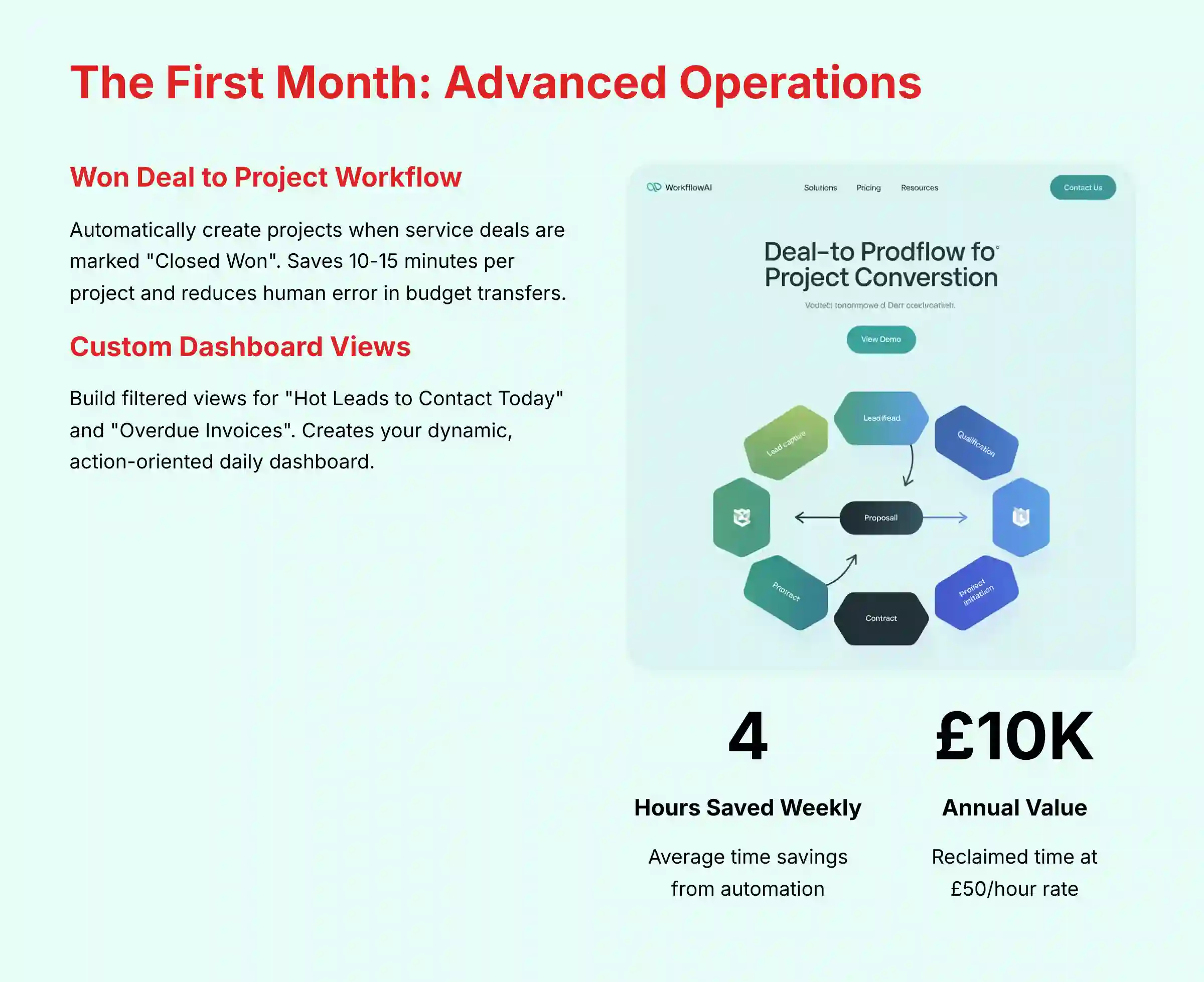
For service-based solopreneurs, this workflow is a game-changer. It automatically creates a new project whenever a service deal is marked as “Closed Won.” This connects your sales process directly to your project management.
This automation saves 10-15 minutes of manual data entry for every project. For someone handling just five projects a month, this adds up to over an hour of high-value time saved. It also reduces the risk of human error in transferring details like budget information.
Risk Transparency: Ensure all custom fields you rely on for projects, like “Budget,” are accurately mapped from the deal. A mistake here could lead to projects being created with incorrect financial data, creating problems later.
Time Estimate: 30 minutes.
Module 6 – Building Your Action-Oriented Dashboard with Custom Views
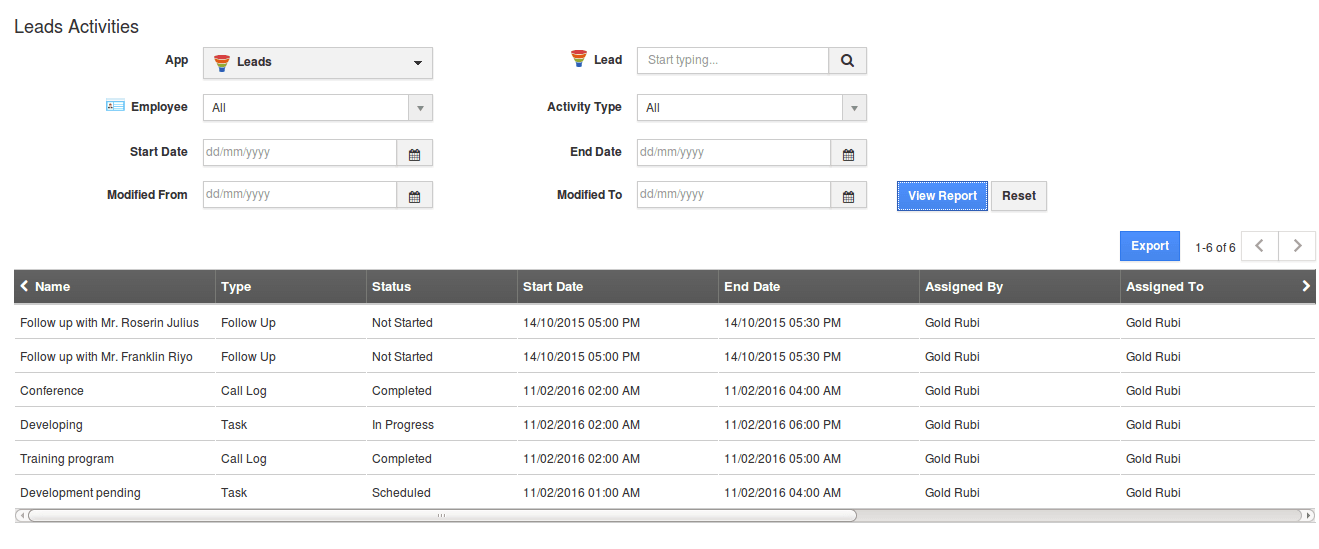
This module teaches you to create custom filtered views. These views are not just reports; they are your dynamic to-do list. They give you an immediate, at-a-glance dashboard of what needs your attention right now.
You can build views for “Hot Leads to Contact Today,” “Overdue Invoices,” or “Stagnant Deals.” Think of it as a pilot’s cockpit display. It shows only the critical instruments you need to fly the business forward.
As a solopreneur, your most valuable asset is focus. We find custom views are the best way to direct that focus. Start your day by checking your ‘Hot Leads’ and ‘Overdue Invoices’ views. It’s a 5-minute action plan.
Time Estimate: 25 minutes.
If you’re considering alternatives, our comprehensive guide on Apptivo Top Alternatives and Competitors provides detailed comparisons to help you make the best choice for your business needs.
Implementation Strategy and Outcome Measurement
Resource and Skill Requirements
Implementing Apptivo does not require advanced technical skills. You need a modern web browser and a list of your existing contacts, even if it’s just a simple spreadsheet. Basic computer literacy and a clear understanding of your own sales process are all that is needed.
The time investment is front-loaded. Plan for 1-2 hours for the foundational setup. Then, an additional 1-2 hours per week for the first month to add automation and customizations.
Measuring Your ROI with Apptivo
You can measure the benefits of your work. First, calculate efficiency gains by tracking time saved on manual tasks. The goal is to save 3-5 hours per week.
Next, monitor business impact metrics. Track your deal conversion rate and sales cycle length. A 5-10% increase in conversions and a 15% shorter sales cycle are realistic goals to aspire toward, though your specific results will vary based on your business practices and implementation quality. Use the custom views you created as your daily dashboard to watch these key performance indicators.
Here’s what that means financially: Saving just 4 hours per week at a conservative billable rate of $50/hour translates to $200 in reclaimed value per week, or over $10,000 per year. This is a direct return on your time investment.
For a comprehensive comparison with other leading platforms, check out our analysis of the Best 10 CRMs for Small Business & Solopreneurs to see how Apptivo stacks up against the competition.
Frequently Asked Questions About Apptivo Tutorials and Use Cases
Is Apptivo Genuinely Good for a Non-Technical Solopreneur?
Yes, Apptivo is exceptionally well-suited for non-technical solopreneurs. Its user interface is clean, and the guided setup makes it easy to get started. You do not need to be a developer to create powerful automation, and most new users can become productive within the first hour.
How Does Apptivo Compare to a More Famous CRM Like HubSpot for a Small Business?
Apptivo’s Strength: Operational Integration. Apptivo provides a more tightly integrated suite for the entire business lifecycle at a lower price point. Its true value lies in the seamless flow from Lead → Deal → Project → Invoice → Support Ticket, all within one system. Its AI is focused on operational efficiency, such as automating project creation from a won deal. For a service-based solopreneur, this unified lead-to-cash-to-project workflow is often more valuable than advanced marketing features.
HubSpot’s Strength: Marketing & Sales AI. HubSpot excels in marketing automation and has a more mature AI-powered sales and marketing toolset. Its AI features, like predictive lead scoring and AI-powered content suggestions, are generally more advanced. However, achieving Apptivo’s level of integrated project management and invoicing in HubSpot often requires more expensive plans or third-party apps.
The Bottom Line: If your primary need is a single, affordable system to run your entire business operation from sales to project delivery, Apptivo is a stronger contender. If your focus is primarily on top-of-funnel marketing automation and you have the budget for its advanced sales and marketing hubs, HubSpot is a powerful choice.
What Is the Realistic ROI I Can Expect from Implementing Apptivo?
The most immediate ROI comes from time savings and improved cash flow. A solopreneur can save 3-5 hours per week by automating tasks. Implementing an integrated invoicing system can help reduce invoice payment times by centralizing tracking and simplifying payment processes for clients. The actual impact on payment times will vary based on your specific business practices.
For a comprehensive ROI assessment, we recommend tracking your time spent on customer management tasks before and after implementation, and monitoring improvements in your sales metrics and cash flow.
What Are the Biggest Security Risks When Using a Cloud CRM like Apptivo?
The primary risk is unauthorized access to sensitive customer data. Mitigating this requires a multi-layered approach:
- Access Control: Use a strong, unique password and mandate two-factor authentication (2FA). Beyond this, leverage Apptivo’s granular role-based permissions to ensure users can only access the data necessary for their job. This prevents accidental bulk deletions or unauthorized data exports.
- Vendor-Side Security: The vendor’s security posture is paramount. Apptivo demonstrates its commitment through data encryption both in-transit (using TLS protocols) and at-rest. For businesses with stringent requirements, it’s crucial to verify if they hold certifications like SOC 2 Type II, which is a third-party audit affirming their operational security controls.
- Integration Risk: Be cautious when granting third-party apps access to your CRM. Always review the permissions an integration requests and use reputable connectors like Zapier or native integrations vetted by Apptivo.
Can I Easily Get My Data Out of Apptivo if I Decide to Leave?
Yes, data portability is a key strength of Apptivo. You can export all your core data as CSV files at any time. This is an important factor for avoiding “vendor lock-in” and gives you long-term business flexibility.
My Data Import Failed. What Is the #1 Reason This Happens?
The most common reason is a mismatch between your CSV file and Apptivo’s required format. This is usually either incorrect column headers or invalid dropdown values. Always download the official Apptivo import template first to avoid these issues.
What Limitations Does the Apptivo Lite Plan Have?
Apptivo’s entry-level paid plan is the Lite plan. It is limited to 1 user and does not include API access. However, it does include Standard Workflow Triggers. More advanced trigger options (e.g., scheduled and activity-based triggers) are reserved for the higher-tier “Premium” and “Ultimate” plans. The Lite plan is sufficient for most solopreneurs starting out, but as your business grows or if you need complex integrations, you may need to upgrade.
Is the Apptivo Mobile App Good Enough to Run My Business On the Go?
Yes, the mobile app is a significant asset for solopreneurs. It allows you to access contacts, manage your sales pipeline, and log notes immediately after a meeting. It is highly effective for the daily operational tasks that keep a business moving.
For more detailed guidance and troubleshooting tips, visit our comprehensive Apptivo FAQs section for answers to common implementation questions.
Important Disclaimers: Technology Evolution Notice: The information about Apptivo and AI CRM Software tools presented in this article reflects our thorough analysis as of 2025. Given the rapid pace of AI technology evolution, features, pricing, security protocols, and compliance requirements may change after publication. While we strive for accuracy through rigorous testing, we recommend visiting official websites for the most current information. Professional Consultation Recommendation: For AI CRM Software applications with significant professional, financial, or compliance implications, we recommend consulting with qualified professionals who can assess your specific requirements and risk tolerance. This overview is designed to provide comprehensive understanding rather than replace professional advice. Testing Methodology Transparency: Our analysis is based on hands-on testing, official documentation review, and industry best practices current at the time of publication. Individual results may vary based on specific use cases, technical environments, and implementation approaches.
Final Verdict: Your Engine for Growth
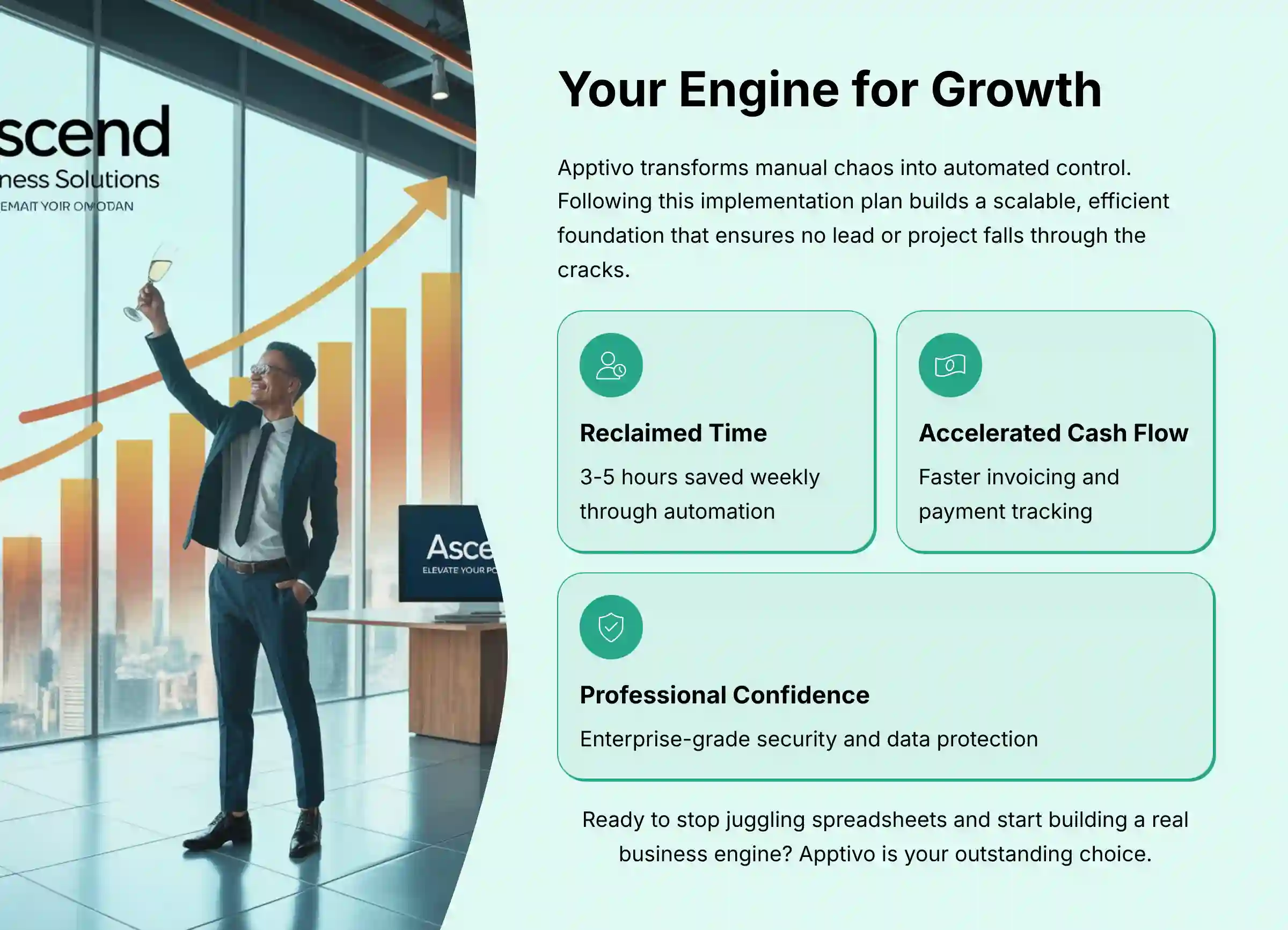
Apptivo is more than just a CRM; for a solopreneur, it’s a unified system for turning manual chaos into automated control. By following this one-hour, one-week, and one-month implementation plan, you are not just organizing contacts—you are building a scalable, efficient foundation for your business.
The true ROI lies in the reclaimed time, accelerated cash flow, and the professional confidence that comes from knowing no lead or project will ever fall through the cracks again. If you are ready to stop juggling spreadsheets and start building a real business engine, Apptivo is an outstanding choice.
For more detailed guides, you can review our other articles on Apptivo Tutorials and Use Cases or explore our comprehensive Apptivo Overview and Features guide.







Leave a Reply